

Checker Tools
Text Tools
- Text separator
- Email extractor
- URL extractor
- Text size calculator
- Duplicate lines remover
- Text to speech
- IDN Punnycode converter
- Case converter
- Character counter
- List randomizer
- Reverse words
- Reverse letters
- Emojis remover
- Reverse list
- List alphabetizer
- Upside down text generator
- Old English text generator
- Cursive text generator
Developer Tools
Generator Tools
Image manipulation tools
- BMP to ICO
- ICO to JPG
- ICO to GIF
- ICO to PNG
- ICO to WEBP
- ICO to BMP
- GIF to JPG
- GIF to ICO
- GIF to PNG
- GIF to WEBP
- GIF to BMP
- HEIC to PNG
- HEIC to GIF
- HEIC to JPG
MX Lookup Checker
MX Lookup: Improve Email Routing & Security
MX Lookup
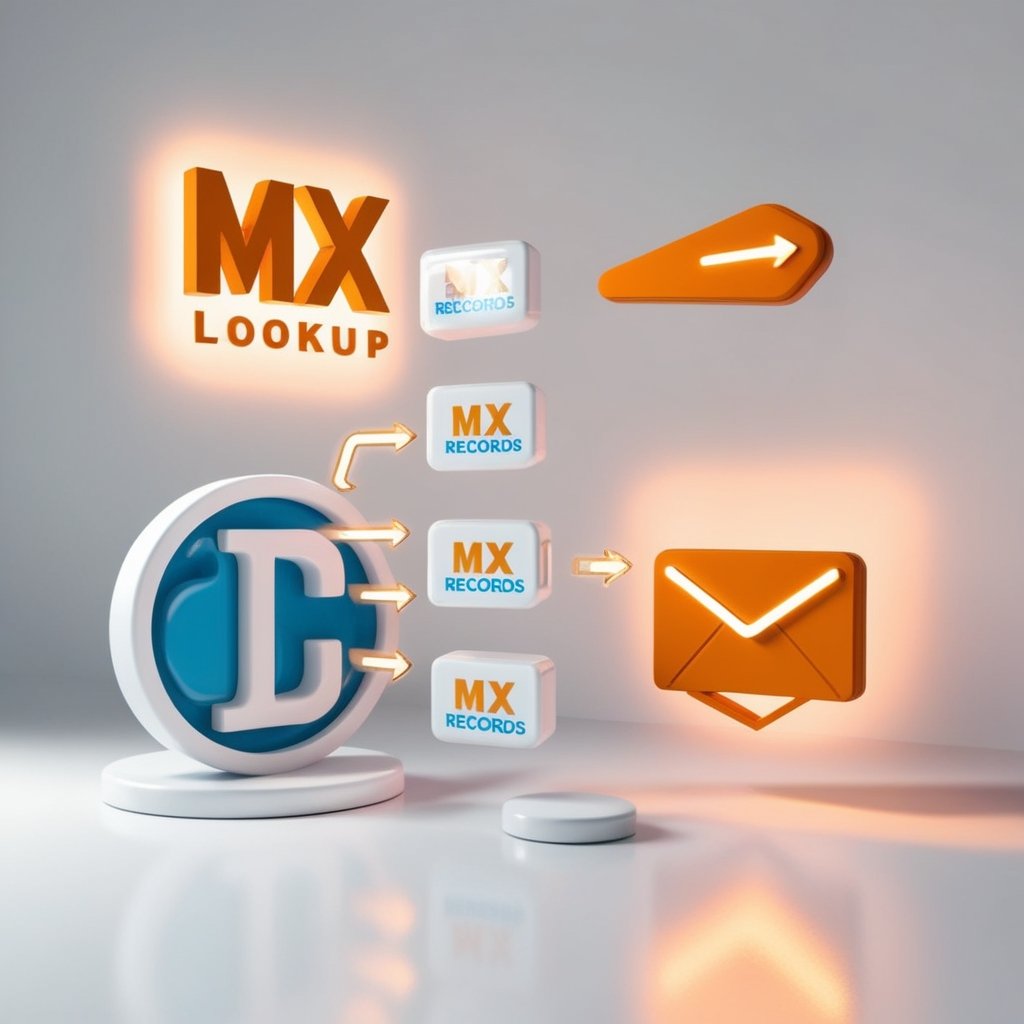
An MX Lookup will allow you to scan the mail servers that are in charge of reception of the email on a given domain. It can be considered one of the most significant tools to check email delivery problems, verify DNS records, and ensure that the mail system is properly set up.
Whether you’re setting up business email, troubleshooting bounced messages, or validating DNS settings for a new domain, an MX lookup gives you a clear insight into where your emails are actually going.
How MX Lookup Works

MAIL exchange (MX) records are provided in DNS under every domain that may receive email. These records refer to the servers which process the incoming mail.When you do an MX look, you receive:
- The mail server names
- Their priority values
- Their routing sequence
This helps you understand exactly how mail flows for that domain.
Why MX Lookup Is Useful ?
Email Troubleshooting
If your emails are bouncing or never arriving, checking MX records reveals whether the domain’s mail server is set up correctly.
DNS Verification
When launching new hosting or switching email providers, MX lookup confirms the DNS records are updated and propagated.
Security Checks
Spammers often fake domains checking MX records helps verify if an email claim is legitimate.
Server Migration
Before moving email services, MX lookup helps ensure that traffic will route to the correct location after changes.
Deliverability Optimization
Understanding MX structure helps diagnose spam or filtering issues.
Final Thoughts
MX Lookup is a vital diagnostic tool to a person who manages or troubleshoots email system. Checking the mail servers of a domain can help you to determine the routing issues, verify the DNS updates and ensure your email infrastructure is doing just what it is supposed to do.
What are MX records used for?
MX records tell the internet which server should receive emails for a specific domain.
Can a domain have multiple MX records?
Yes, and they often do. Each one has a priority value that decides the order of delivery attempts.
Why am I still having email issues even if MX records look correct?
You may need to check SPF, DKIM, DMARC, or server-side filtering MX is only one part of email routing.
How long do MX record changes take to update?
It usually takes anywhere from a few minutes to 24 hours, depending on DNS propagation.
Do I need special tools to run an MX lookup?
No, many online tools and command-line utilities like nslookup and dig can fetch MX records instantly.