

Checker Tools
Text Tools
- Text separator
- Email extractor
- URL extractor
- Text size calculator
- Duplicate lines remover
- Text to speech
- IDN Punnycode converter
- Case converter
- Character counter
- List randomizer
- Reverse words
- Reverse letters
- Emojis remover
- Reverse list
- List alphabetizer
- Upside down text generator
- Old English text generator
- Cursive text generator
Developer Tools
Generator Tools
Image manipulation tools
- BMP to ICO
- ICO to JPG
- ICO to GIF
- ICO to PNG
- ICO to WEBP
- ICO to BMP
- GIF to JPG
- GIF to ICO
- GIF to PNG
- GIF to WEBP
- GIF to BMP
- HEIC to PNG
- HEIC to GIF
- HEIC to JPG
Quick HSV to RGB Converter Tool
HSV to RGB Conversion: Understanding Color Models & Applications
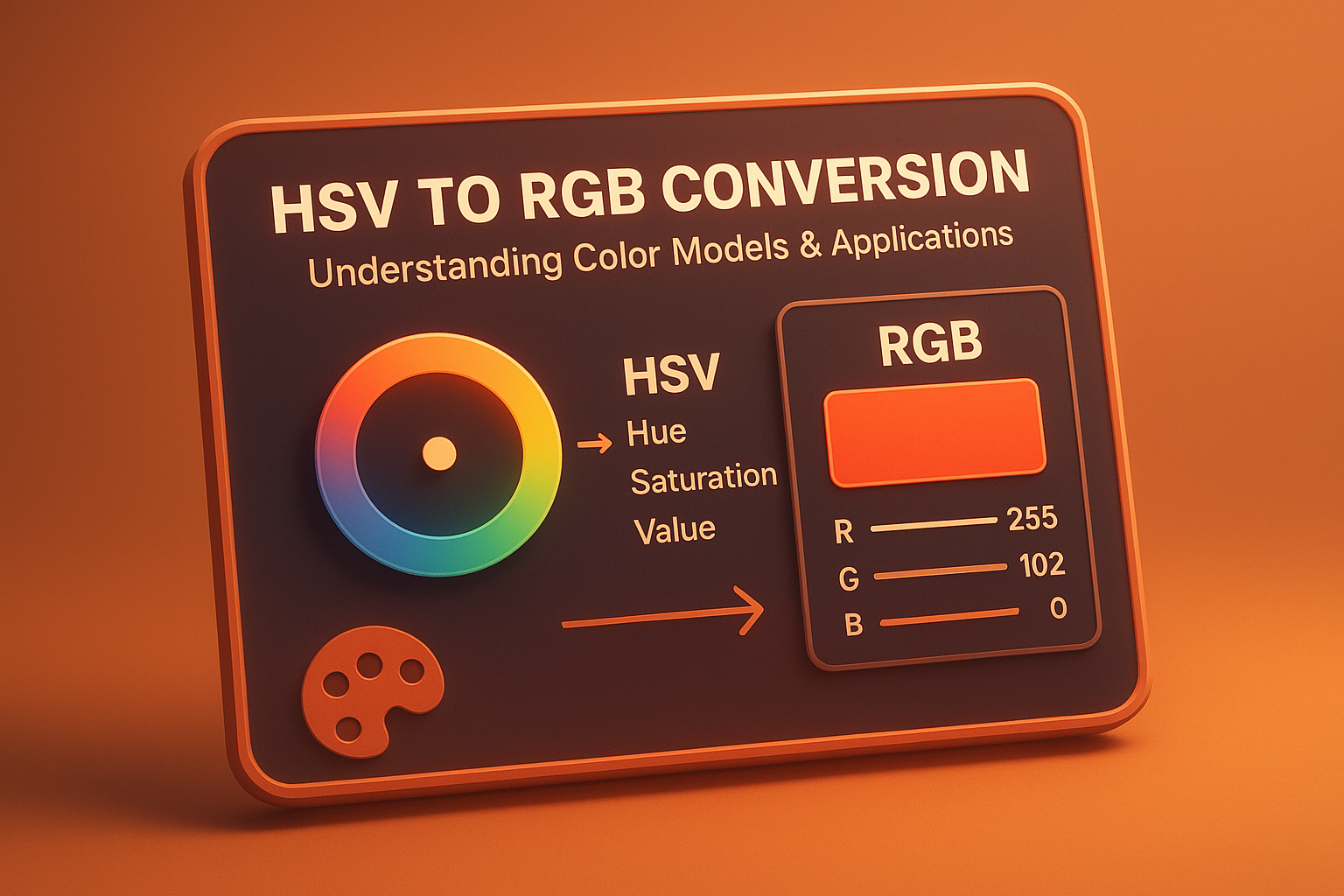
Color representation is vital in digital design and the field of photography, where computer graphs are used. There are two of the most popular models HSV and RGB that can be applied in different workflows with the necessity caused by a special task. Edit those photos, develop that game or just convert HSV to RGB, it is always suggested to comprehend how the color model works and what is the best time to apply them.
What Is HSV?
The HSV is the Value, Saturation and Hue. It is a cylindrical color model that was developed to provide colors in a way that would be more humanistic in the human eye as opposed to RGB. It is occasionally referred to as HSV, or rather HSB (and here you must bear in mind that HSB, with the B meaningBrightness\ wasted capitals, is the same representation, renamed to refer to various software or application).
- Hue (H): The colour type in degree measure form (0-360) on a hsv color wheel (ex: red at 0, green at 120, blue at 240).
- Saturation (S): The intensity or purity of the color (0%–100%). 0% is gray, and 100% is full color.
- Value (V) or Brightness: Refers to the brightness of the color (0%–100%). 0% is black, and 100% is full brightness.
These HSV color values provide an intuitive way to select and manipulate colors in design tools like Photoshop, Figma, or digital painting apps.
What Is RGB?
RGB, short for Red, Green, Blue, is the most widely used color model for screens. Colors are created by combining these three colors in different intensities from 0 to 255. For instance:
- RGB(255, 0, 0) represents pure red.
- RGB(0, 255, 0) is pure green.
- RGB(0, 0, 255) is pure blue.
RGB is hardware-oriented and is used in TVs, monitors, mobile screens, and digital cameras.
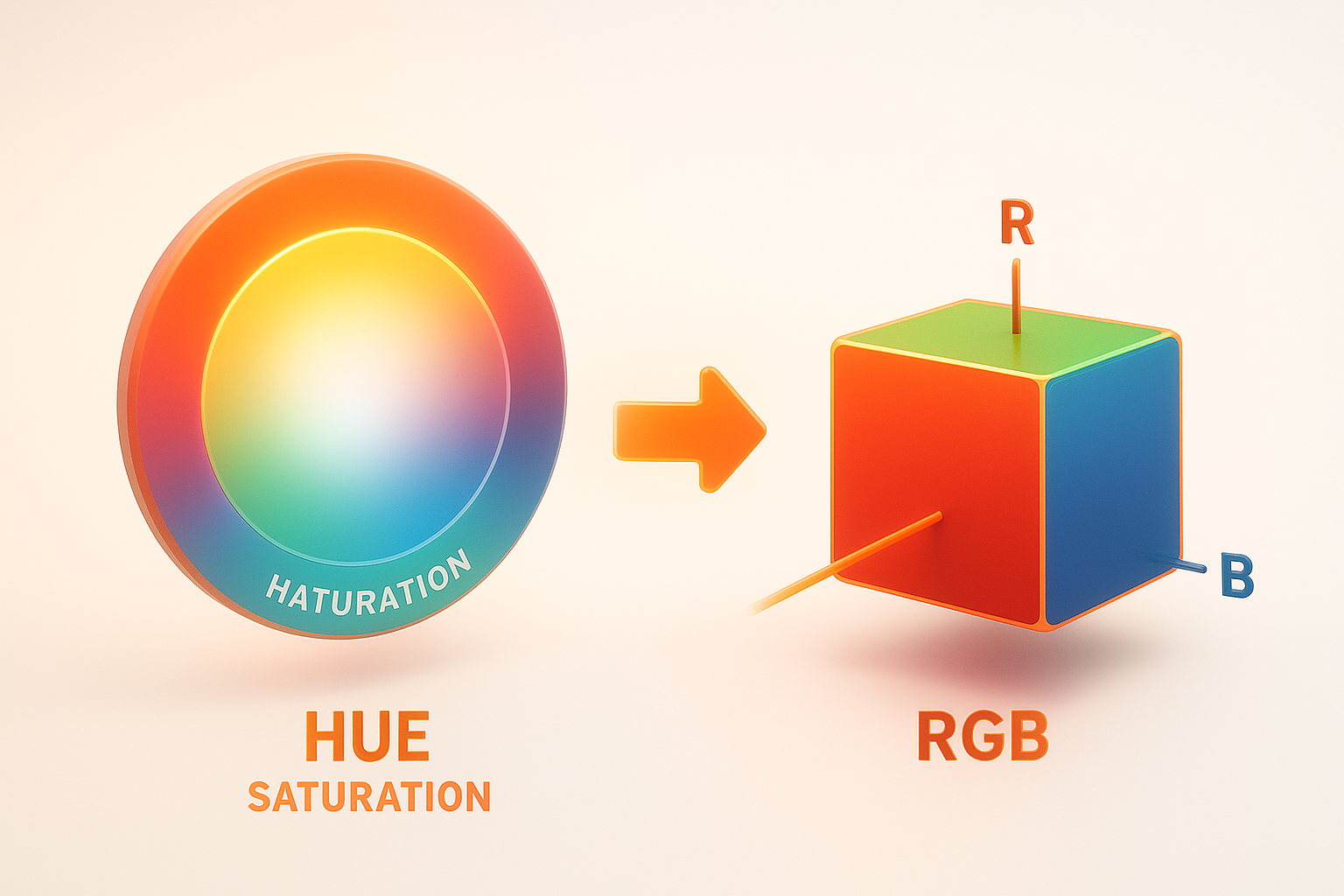
HSV vs RGB: What's the Difference?
The key difference between HSV vs RGB lies in their purpose and usability:
- HSV is more intuitive for humans. It’s often used in color pickers where users want to adjust hue or brightness without changing the actual color family.
- RGB is closer to how screens display colors. It’s more suitable for rendering, animation, and pixel manipulation.
RGB and HSV are not mutually exclusive instead, they complement each other. Many applications allow toggling between them for more flexibility.
HSV to RGB Conversion: How It Works
The HSV to RGB conversion involves translating hue, saturation, and value into corresponding red, green, and blue components.
Formula to Convert HSV to RGB:
- Normalize H (Hue) to the range of 0–360.
- Normalize S (Saturation) and V (Value) to the range of 0–1.
- Calculate Chroma (C = V × S).
- Compute intermediate values (X and m).
- Use the hue sector to derive RGB values.
- Adjust RGB using m = V − C.
- Multiply R, G, B by 255 for final output.
This process is often automated using software or libraries. Python, for instance, provides a simple colorsys.hsv_to_rgb() function to convert HSV to RGB easily.
Tools for Conversion
You can use various online tools to convert HSV to RGB, including:
- Adobe Color Picker
- Google DevTools (built into browser color pickers)
- Custom JavaScript libraries
- OpenCV (for image processing)
If you’re a developer, converting RGBtoHSV and vice versa is essential in games, UI design, and color filtering algorithms.
HSB to RGB Conversion: Any Differences?
As mentioned earlier, HSB to RGB conversion is identical to HSV to RGB conversion. The only variation is in naming conventions. Adobe and some designers prefer the term HSB, while developers and mathematicians stick to HSV.
Converting HSV to Greyscale or Grayscale
While HSV is great for colorful output, sometimes you may want to remove color information. Convert HSV to grayscale by reducing the saturation to 0%. In grayscale images, hue becomes irrelevant, and the value channel (V) primarily determines brightness.
Some applications may also refer to it as hsv to greyscale, but the process is the same. Setting Saturation = 0% will eliminate all color, resulting in a neutral gray tone.
HSV to HSL: Another Color Model Switch
Designers may also want to convert HSV to HSL, where HSL stands for Hue, Saturation, Lightness. While H and S appear in both models, HSL focuses on lightness instead of value.
Key differences between HSV and HSL:
- In HSV, black is added by reducing the value.
- In HSL, black or white is added by changing the lightness.
Conversion between HSV to HSL is useful in UI theming and CSS animations, where HSL can be easier to tweak.
Understanding the HSV Color Wheel
The HSV color wheel is a circular model used to represent hue angles. It visually explains how colors transition from one hue to another and is often used in:
- Color pickers
- Data visualization
- User interface color selection
The circular hue system makes it easier to generate complementary, analogous, or triadic colors for design purposes.
Final Thoughts
Knowing h s v color models could be vital to every designer or developer, including digital artist. When you need to control your brightness or turn to the grayscale mode it is important to know how the models interact in order to improve your color and visual choices. HSV is less technical and more similar to human perception than RGB which is far more display centered. RBG and HSV, combined, amounts to a full toolset to work with digital color.
Is HSV the same as HSB?
Yes. HSV (Hue, Saturation, Value) and HSB (Hue, Saturation, Brightness) refer to the same color model. The difference is only in naming conventions.
How do I convert HSV to RGB manually?
You can convert HSV to RGB using formulas or programming functions. The hue determines the color family, while saturation and value control the depth and brightness. Libraries like Python’s colorsys make this easier.
How can I convert RGB to HSV?
To convert RGB to HSV, take the red, green, and blue values and apply the HSV formula to get hue, saturation, and value. For a quick and accurate tool, you can also use our RGB to HSV Converter.
Can I convert HSV to grayscale?
Yes, to convert HSV to grayscale, set saturation to 0%. This removes all color intensity, resulting in shades of gray based on the value channel.
What’s better for UI design HSV or RGB?
For selecting and manipulating colors in design tools, HSV is more intuitive. However, the final output for screens is usually in RGB.
Is there a difference between RGBtoHSV and HSV to RGB?
Yes. RGBtoHSV converts screen-rendered RGB values into HSV for intuitive editing. HSV to RGB conversion does the reverse, preparing colors for rendering or display.