

Checker Tools
Text Tools
- Text separator
- Email extractor
- URL extractor
- Text size calculator
- Duplicate lines remover
- Text to speech
- IDN Punnycode converter
- Case converter
- Character counter
- List randomizer
- Reverse words
- Reverse letters
- Emojis remover
- Reverse list
- List alphabetizer
- Upside down text generator
- Old English text generator
- Cursive text generator
Developer Tools
Generator Tools
Image manipulation tools
- BMP to ICO
- ICO to JPG
- ICO to GIF
- ICO to PNG
- ICO to WEBP
- ICO to BMP
- GIF to JPG
- GIF to ICO
- GIF to PNG
- GIF to WEBP
- GIF to BMP
- HEIC to PNG
- HEIC to GIF
- HEIC to JPG
Quick HSV to HSL Converter Tool
Understanding HSV and HSL: Color Conversion Explained
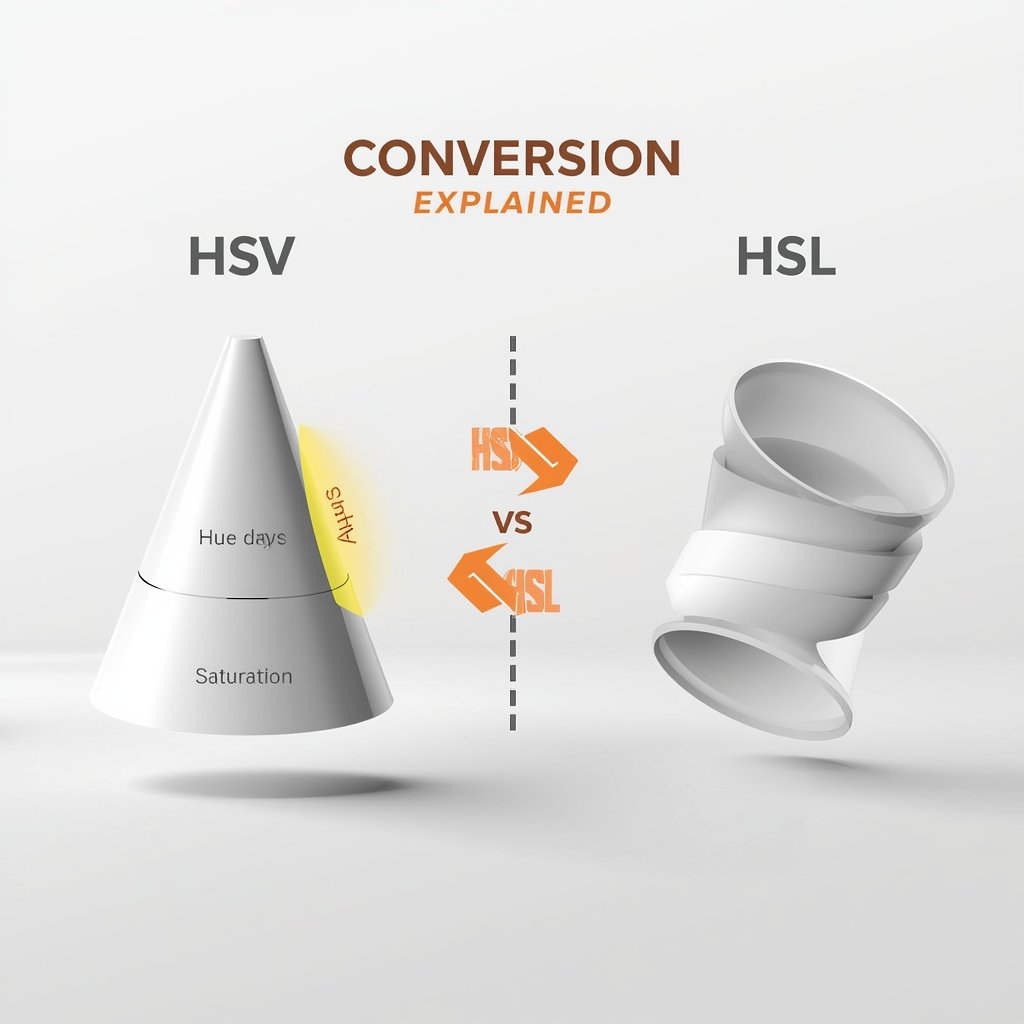
Color representation in digital design and development goes far beyond hex codes and RGB. Two of the most intuitive and powerful models used today are HSV (Hue, Saturation, Value) and HSL (Hue, Saturation, Lightness). These models are particularly useful in image editing, UI design, data visualization, and programming because they are more aligned with human perception of color. This article explores the differences between HSV and HSL, how to convert between them, and where they stand compared to RGB and hex formats.
HSV and HSL: What's the Difference?
The terms HSV and HSL may sound similar, and for good reason they’re both cylindrical representations of colors based on Hue, Saturation, and either Value or Lightness.
- HSV (Hue, Saturation, Value) is also known as HSB (Hue, Saturation, Brightness). It represents colors in a way that mimics the way humans perceive them. The “Value” defines the brightness of the color.
- HSL (Hue, Saturation, Lightness), on the other hand, replaces brightness/value with lightness, which distributes luminance more evenly.
When comparing HSL vs HSV, both offer advantages for different use cases. HSV is better for color selection tools like Photoshop or Illustrator, while HSL often finds applications in web development and digital color manipulation.
HSL vs HSV: Key Technical Differences
Let’s break down HSL vs HSV to understand how they differ structurally and practically:
- Hue: Same in both models, represented as an angle from 0° to 360°.
- Saturation: Defined differently in each model. In HSL, it is relative to lightness. In HSV, it is relative to brightness.
- Lightness vs Value: Lightness is the average of the max and min RGB values, while value is the maximum of the RGB components.
This subtle difference means that hsv and hsl values for the same color can vary significantly, even though the visual result might seem similar.
How to Convert HSL to RGB
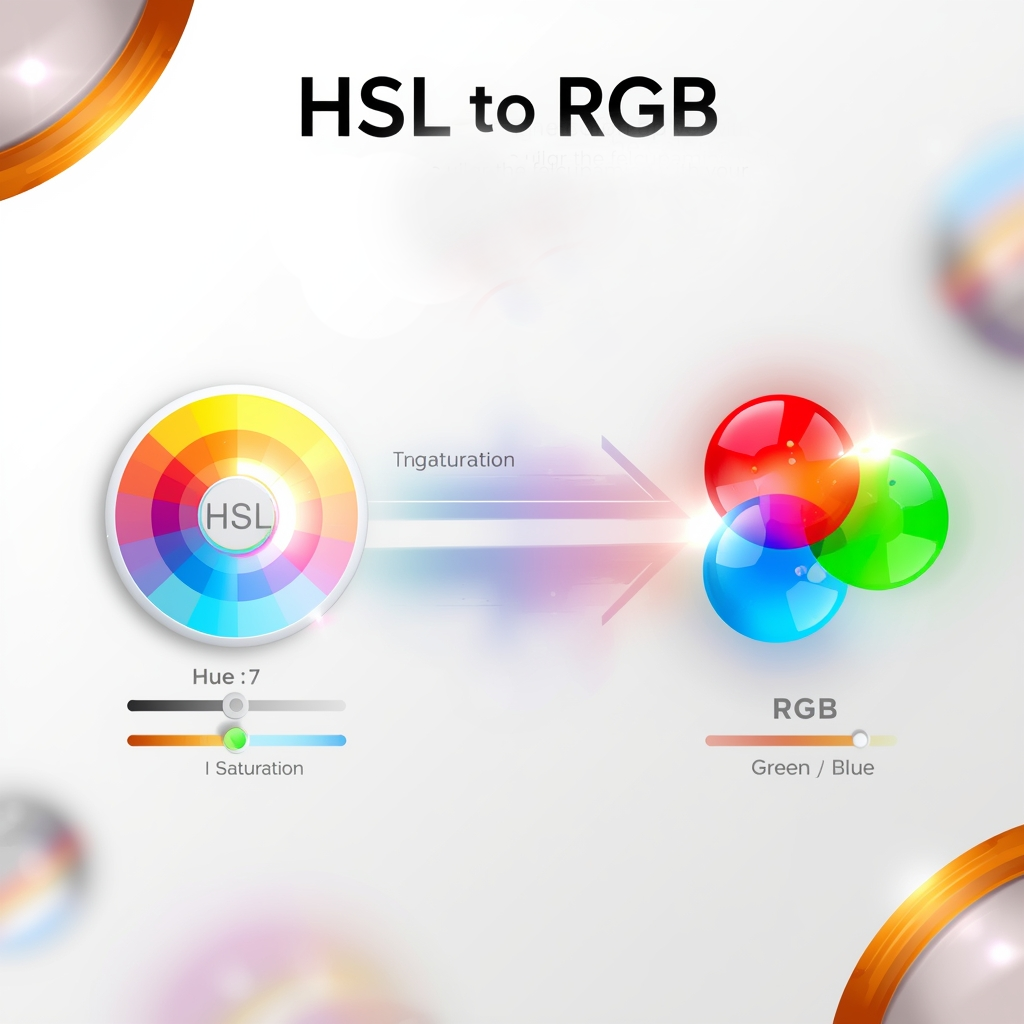
Converting from HSL to RGB involves a mathematical formula that maps hue, saturation, and lightness into red, green, and blue components. Many tools online provide a hsl to rgb converter that simplifies this process, but understanding the logic behind it is useful for developers and designers.
If you’re wondering how to convert hsl to rgb, here’s a simplified explanation:
- Normalize HSL values (hue from 0-360, saturation and lightness from 0-1).
- Calculate temporary variables based on lightness and saturation.
- Convert the temporary values into RGB.
Libraries like colorsys in Python or utility functions in JavaScript can handle color hsl to rgb transformations automatically.
RGB to HSB and HSV: Are They the Same?
The term HSB is often used interchangeably with HSV. So when discussing rgb to hsb, you’re essentially talking about rbg to hsv conversions.
To convert RGB to HSB:
- Normalize RGB values.
- Determine min, max, and delta values.
- Calculate hue, saturation, and brightness/value accordingly.
You can also use an online rgb to hsb converter for accuracy and efficiency.
HSL to HSV and Vice Versa
Now let’s dive into hsl to hsv and hsv to hsl conversions. These are less straightforward than RGB conversions because both use cylindrical coordinate systems with differing definitions of saturation and luminance.
HSL to HSV Formula
To convert from hsl to hsv:
- First, convert HSL to RGB.
- Then convert the resulting RGB to HSV.
This two-step conversion ensures precision and compatibility with different software and design platforms.
HSV to HSL
Conversely, hsv to hsl follows the same two-stage conversion, just reversed:
- Convert HSV to RGB.
- Then convert RGB to HSL.
In many design systems, especially CSS and graphic software, these conversions are often handled in the background, but understanding the concept is crucial for advanced work.
Working With Hex Code to HSV
A hex code is a six-digit code that represents color in hexadecimal format. Converting a hex code to hsv is another essential task for developers and designers. This involves:
- Convert hex to RGB.
- Convert the resulting RGB to HSV.
This method allows you to manipulate colors more intuitively in tools like Adobe Illustrator, Photoshop, or even web apps.
HSL and HSV in Real-World Use
While hsl and hsv may seem redundant at first glance, each serves a distinct purpose:
- HSV is more commonly used in color pickers and visualization where the “brightness” of a color is a priority.
- HSL is frequently used in CSS and frontend frameworks where smooth transitions and tints are needed.
Understanding hsv hsl differences helps you make informed decisions when choosing a color model for your project.
Final Thoughts
The world of color models HSL, HSV, RGB, Hex offers multiple ways to represent and manipulate colors. By understanding how to convert between them (e.g., hsl to rgb, hsv to hsl, hex code to hsv, and rgb to hsb), designers and developers can fine-tune the user experience more precisely.
Both HSL and HSV have their unique benefits, and knowing when to use each is key to mastering color manipulation in digital design. Whether you’re coding a CSS animation or building a custom image editor, having control over these conversions empowers you with creative flexibility.
Is HSV the same as HSB?
Yes, HSV (Hue, Saturation, Value) and HSB (Hue, Saturation, Brightness) are different names for the same model.
Which is better: HSL or HSV?
It depends on the use case. HSV is ideal for intuitive color selection, while HSL is better for tint/shade control in design.
How can I convert HSL to HSV?
To convert HSL to HSV, use the hue value directly and apply the conversion formulas to adjust saturation and value. For a quick and accurate tool, you can also use our HSL to HSV Converter.
How do I convert HSL to RGB?
You can use a hsl to rgb converter or manually apply formulas. Many online tools and libraries support this.
Can hex be converted directly to HSV?
No direct method. First, convert hex code to RGB, then RGB to HSV.
What’s the difference between RGB and HSB?
RGB is based on light intensities of red, green, and blue. HSB (or HSV) separates hue, saturation, and brightness/value for easier manipulation.
Why do HSL and HSV use the same Hue?
Hue represents the type of color and remains consistent across models. What differs is how lightness/value and saturation are defined.