

Checker Tools
Text Tools
- Text separator
- Email extractor
- URL extractor
- Text size calculator
- Duplicate lines remover
- Text to speech
- IDN Punnycode converter
- Case converter
- Character counter
- List randomizer
- Reverse words
- Reverse letters
- Emojis remover
- Reverse list
- List alphabetizer
- Upside down text generator
- Old English text generator
- Cursive text generator
Developer Tools
Generator Tools
Image manipulation tools
- BMP to ICO
- ICO to JPG
- ICO to GIF
- ICO to PNG
- ICO to WEBP
- ICO to BMP
- GIF to JPG
- GIF to ICO
- GIF to PNG
- GIF to WEBP
- GIF to BMP
- HEIC to PNG
- HEIC to GIF
- HEIC to JPG
Instant HSL to HSV Converter Tool
HSL to HSV: Understanding the Differences Between Popular Color Models
Color is a crucial part in the design and development world in the digital environment. Be it designing websites, editing pictures or coming up with UI elements, knowing how different models of the colors work is very essential. The most popular ones in use are HSL, HSV and RGB. This article will go over HSL to HSV conversion, the differences between the two models, and the interaction with others such as RGB and HSB.
What is HSL Color Space?
HSL, short-named Hue, Saturation and Lightness, is that cylindrical transformation of the RGB color model but which should be more easily comprehensible to the humans.
- Hue is the nature of color (red, green, blue, etc.).
- The saturation shows the purity or the intensity of the color.
- Lightness is an indicator of how light or dark the color is.
The HSL color space exists to facilitate working with color in such areas as photo editors, CSS and graphic tools. It enables the designer to avoid the underlying hue as it enables to alter the brightness and the intensity. In HSL, the 0% lightness will give black, whereas 100% lightness will give white.
What is HSV Color Space?
HSV stands for Hue, Saturation, and Value (also known as HSB, where B = Brightness). While it might sound similar to HSL, HSV behaves differently when it comes to lightness and brightness.
- Hue works the same in both HSL and HSV.
- Saturation in HSV refers to the vividness of the color.
- Value describes the brightness, where 0% is black and 100% is the full intensity of the hue.
Many graphic design applications, such as Adobe Photoshop and Illustrator, use HSV colors for their intuitive brightness controls. The color HSB model is often preferred by artists and editors who need more precise control over brightness without distorting the hue.
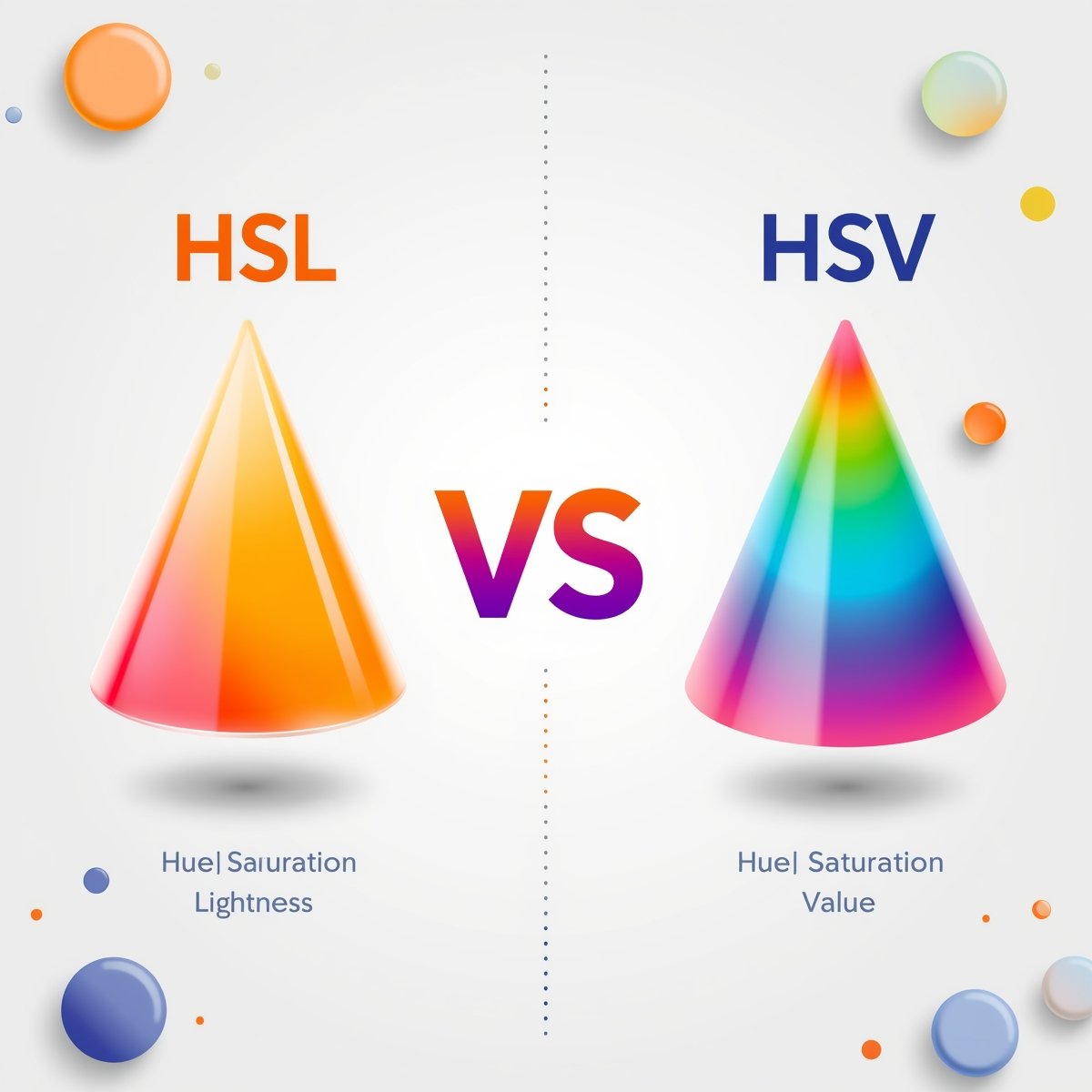
HSL vs HSV: What’s the Difference?
Though HSL and HSV are similar in naming and purpose, the difference lies in how they define and represent brightness:
- HSL is more symmetrical and distributes lightness evenly between black and white.
- HSV is better suited for generating vivid, saturated colors due to its focus on value or brightness.
Let’s break down HSL vs HSV with an example:
- A pure red in HSL (0, 100%, 50%) equals one in HSV (0, 100%, 100%) but as you begin to decrease the lightness or value you will find as you go along that other shades and tones will behave differently.
- At low values, HSV may make deeper colors with higher saturation, whereas at low values, HSL will denote pastel colors.
When comparing hsv hsl, then think of HSL as suited towards making tints and shades, and HSV as vibrant, high energy visuals.
Converting HSL to HSV
Converting HSL to HSV can be done mathematically since both are derived from the RGB model. While there is no universal one-liner, a simplified approach involves:
- First, convert HSL to RGB.
- Then convert RGB to HSV using a standard formula.
Many design tools offer built-in converters for hsl hsv, allowing you to switch between them effortlessly. For example, in CSS, you can use hsl() or rgb() values, and use color pickers to toggle between hsl en (English HSL) and other formats.
Here’s a basic idea of how conversion flows:
- HSL → RGB → HSV
- HSV → RGB → HSL
This roundabout process ensures the most accurate representation of the color across systems.
Why Use Both HSL and HSV?
The hsv hsl debate often depends on what you’re trying to achieve.
- Use HSL when adjusting shades and working with themes that require varying lightness.
- Choose HSV when you’re designing for contrast and want strong, saturated colors.
Both models offer unique advantages, and modern software supports seamless switching between them. In fact, understanding both gives you more control and precision over your color work.
Real-World Applications
Many platforms and tools support hsl and hsv formats interchangeably, but they behave differently under the hood:
- Web Design: CSS supports hsl() values, making it easier for developers to adjust brightness and tone.
- Image Editing: Tools like Adobe Photoshop use color HSB sliders for intuitive control.
- Data Visualization: Some charting libraries allow setting colors using either hsl or hsv to highlight data patterns.
For developers, knowing how to convert hsl to hsv ensures color consistency across interfaces, especially when exporting visuals or themes.
Final Thoughts
Any creative or technical professional that deals with digital colors needs to understand the difference between the two colors systems HSL and HSV. They look similar to each other because of having the same RGB base but they are applied differently. HSL is geared towards human readable lightness, and HSV is geared towards bright vibrant and saturated tones. In learning how to implement the process of converting HSL to HSV and how you should go about using each model, it gives you a strong advantage in regulating your visual designs amongst platforms and applications.
What is the main difference between HSL and HSV?
The primary difference lies in how they handle brightness. HSL uses lightness, while HSV uses value (brightness), affecting how colors appear and mix.
Can I convert HSL to HSV directly?
Not directly. You typically convert HSL to RGB, then RGB to HSV to ensure accurate color values.
Are HSV and HSB the same?
Yes, HSV and HSB (Hue, Saturation, Brightness) are essentially the same color model, just with different naming conventions.
Why do some tools use HSL and others HSV?
It depends on the use case. HSL is favored in UI and web design, while HSV is preferred in image editing and art software for its better handling of brightness.
What tools support HSL and HSV color spaces?
Tools like Adobe Photoshop, Figma, GIMP, CSS, and most digital design editors allow toggling between HSL, HSV, and RGB.
How can I convert HSV to HSL?
To convert HSV to HSL, take the hue value as it is and convert the saturation and value into the HSL format. For an easy and fast option, you can also use our HSV to HSL Converter.