

Checker Tools
Text Tools
- Text separator
- Email extractor
- URL extractor
- Text size calculator
- Duplicate lines remover
- Text to speech
- IDN Punnycode converter
- Case converter
- Character counter
- List randomizer
- Reverse words
- Reverse letters
- Emojis remover
- Reverse list
- List alphabetizer
- Upside down text generator
- Old English text generator
- Cursive text generator
Developer Tools
Generator Tools
Image manipulation tools
- BMP to ICO
- ICO to JPG
- ICO to GIF
- ICO to PNG
- ICO to WEBP
- ICO to BMP
- GIF to JPG
- GIF to ICO
- GIF to PNG
- GIF to WEBP
- GIF to BMP
- HEIC to PNG
- HEIC to GIF
- HEIC to JPG
Effortless PNG to GIF Conversion Instantly
Why Convert PNG to GIF?
Image formats are different, and PNG and GIF have equal but opposite functions. PNG is rather famous by having the best quality in its compression, as well as providing transparency, whereas GIFs are broadly used implying animation and compact files. Therefore, be it putting a PNG to GIF format to use in an email signature, a blog post or an animated meme in any form, the proper way to do it is important.
Using PNG to GIF Converters
Today, an online PNG to GIF converter helps to modify pictures in no time. It is a very simple process as with a few clicks you can convert any static PNG into GIF and these files are really quick to load. When one wants to maintain certain degree of transparency and is also willing to shrink the size of a picture then many designers and marketers often convert PNG into GIF. Online, there are so many tools that it is easy to create GIF out of PNG in several seconds, even without being a tech-savvy person.
Common Variants and Misconceptions
Interestingly, GIF is erroneously referred to as JIF by some users resulting in the term PNG to JIF to be being circulated in the forums and help pages. Regardless of how they are pronounced, they work the same. Batch processing tools will be your best friend whether you have one picture or several PNG to GIF conversion. The tools also enable you to pick several PNG files and mix them into one animation or zipped into individual GIFs.
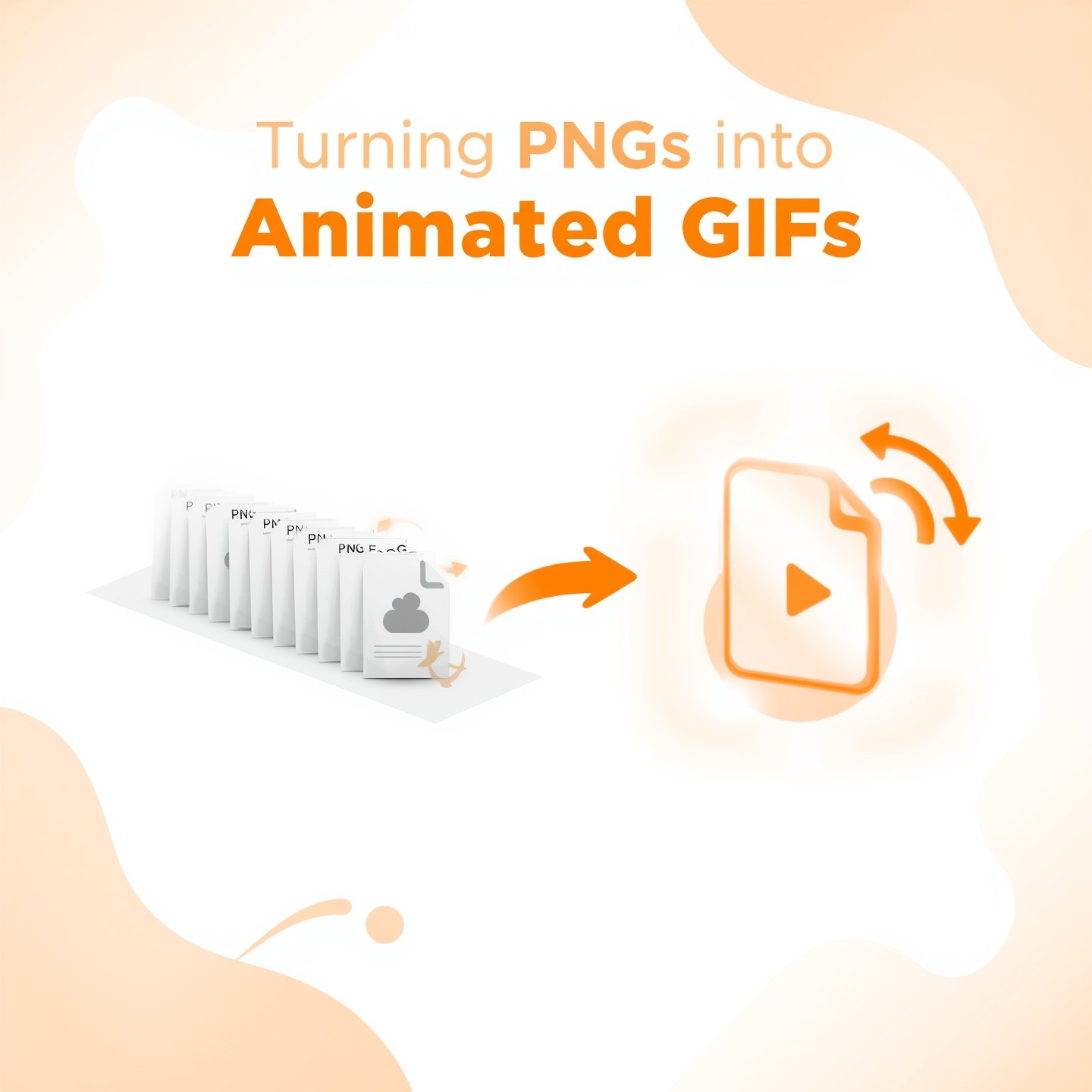
Turning PNGs Into Animated GIFs
When you look into the deeper side of animation, that is real magic. By use of certain software, you will be able to convert PNG into GIF animations that give life to the assets you have created. The software providing such features as the frame timing, looping and ordering saves PNG as GIF files enhanced to be used on websites. It is even possible to add transitions and effects to your graphics in order to make them more interesting.
Best Tools to Handle Bulk PNG to GIF Conversion
If you’re handling a large number of images, options like bulk upload or drag-and-drop functionality make it easier to manage PNGs to GIF workflows. Some designers use Photoshop or other tools like Ezgif or CloudConvert to handle converter PNG to GIF operations smoothly. These platforms not only convert PNG to GIF but also let you preview the animation, control frame delays, and manage transparency effectively.
Why People Change PNG to GIF for Web Use
The social networking sites require lightweight formats that enable them to load faster and offer the users a quality mobile experience. This is where the urge to convert PNG to GIF has increased at a very high rate. In particular, with interactive advertisements or even smaller animations, conversion of PNG to a GIF can make a great difference in performance. This is a technique applied by many creators to create small animated headers, buttons, or memes that do not consume data.
Typing Errors and Variants to Watch For
It is possible that you will encounter people who will type such variations as .png to gif, PNG togif or even PNG to GID which is probably a mistake of typing GIF. The necessity does not differ no matter what term is used in it: visual content should be more dynamic and engaging. The only thing that is important is to use a quality converter PNG to GIF and compress files.
Advanced Options for PNG Convert GIF Projects
Equipped with superior tools, which not only convert PNG files to the GIF extension, one can even edit the file like the insertion of texts or resizing and crops the image and then convert it. Another option is that you can opt to loop GIFs or single-time plays in accordance with your project requirements. The majority of contemporary tools are clouded, so you can convert PNG to GIF without installing each software on your computer.
Practical Use Cases for PNG to GIF Conversions
Whether you’re a beginner or a pro, knowing how to PNG convert GIF is a valuable skill in digital content creation. It simplifies your work, especially when you want fast-loading visuals without compromising too much on quality. From single conversions to many PNG to GIF animations, the tools are abundant and increasingly user-friendly.
Final Thoughts
The more platforms are visualized, the more knowing how to convert PNG to GIF may give you an advantage in the process of your design work. Whether it is a cartoon banner in the email or a social media graphical representation, the opportunity to convert PNG to GIF is limitless. A good PNG to GIF converter does not only enable one to easily handle large files, it also maintains the transparency and makes eye-catching visuals without being a technological genius. Both when you are renaming only one picture or a whole bunch of them, it has never been easier to turn PNG to GIF, as it is now due to modern software utilities and cloud services.
Q: How can I convert PNG to GIF without losing transparency?
Use a PNG to GIF converter that supports transparency, such as Ezgif or Adobe Photoshop. Most tools preserve transparency by default.
Q: Can I convert many PNG to GIF at once?
Yes, many converters allow bulk conversion. Search for “batch converter PNG to GIF” or use platforms like CloudConvert.
Q: What’s the difference between PNG and GIF?
PNG supports higher quality and full alpha transparency, while GIF supports animations and is better for simple graphics with fewer colors.
Q: Why do people say PNG to JIF?
“JIF” is a common alternate pronunciation of “GIF.” It means the same format, just said differently.
Q: Can I save PNG as GIF using my phone?
Yes. There are many mobile apps and online tools that let you change PNG to GIF directly from your phone browser.
Q: Is .png to gif conversion possible without software?
Absolutely. You can convert PNG to GIF online using websites like Tool Checking or ImageMagick in the cloud.
Q: What if I want to make an animation from PNGs to GIF?
Use tools that support animated GIF creation. Upload your sequence and set frame duration to make a smooth animation.