

Checker Tools
Text Tools
- Text separator
- Email extractor
- URL extractor
- Text size calculator
- Duplicate lines remover
- Text to speech
- IDN Punnycode converter
- Case converter
- Character counter
- List randomizer
- Reverse words
- Reverse letters
- Emojis remover
- Reverse list
- List alphabetizer
- Upside down text generator
- Old English text generator
- Cursive text generator
Developer Tools
Generator Tools
Image manipulation tools
- BMP to ICO
- ICO to JPG
- ICO to GIF
- ICO to PNG
- ICO to WEBP
- ICO to BMP
- GIF to JPG
- GIF to ICO
- GIF to PNG
- GIF to WEBP
- GIF to BMP
- HEIC to PNG
- HEIC to GIF
- HEIC to JPG
Quick HSV to HEX Converter Tool
Understanding HSV to HEX Conversion and Color Codes
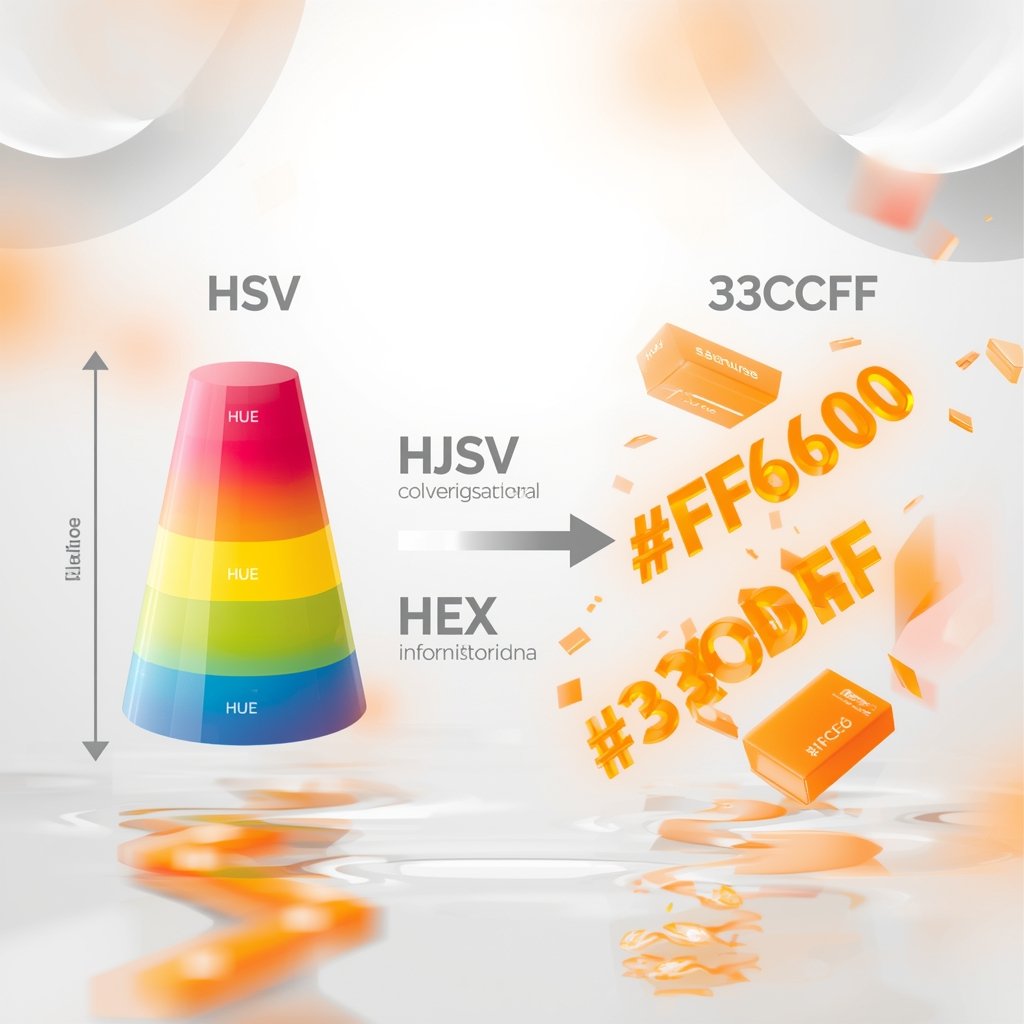
Color management is very important in the digital design world, marketing, development and UI/UX. Knowing how to convert HSV to HEX and/or HEX to HSV can simplify your creation process whether you are coloring an HSV webpage, theming a page, or perfecting brand identity. In this article we will look into HSV colour code, using the HSV colour picker tools, and what converting RGB into HSB entail among other fundamental ideas.
What is HSV?
HSV stands for Hue, Saturation, and Value, a cylindrical representation of the RGB color model. It’s often used by designers and developers because it represents colors in a way that is more intuitive to the human eye. Here’s a quick breakdown:
- Hue: The color type (e.g., red, blue, green) represented in degrees (0–360°).
- Saturation: The intensity or purity of the color, ranging from 0% (gray) to 100% (full color).
- Value: The brightness of the color, also ranging from 0% (black) to 100% (full brightness).
Unlike HEX and RGB, the HSV model separates color intensity from brightness, making it more suitable for tools like a HSV colour picker.
What is a HEX Code?
A HEX code is a 6-digit combination of letters and numbers defined by its mix of red, green, and blue (RGB). For example, the HEX code #FF5733 represents a strong reddish-orange. HEX is commonly used in HTML, CSS, and other web-based applications, including Crome color settings and digital asset design.
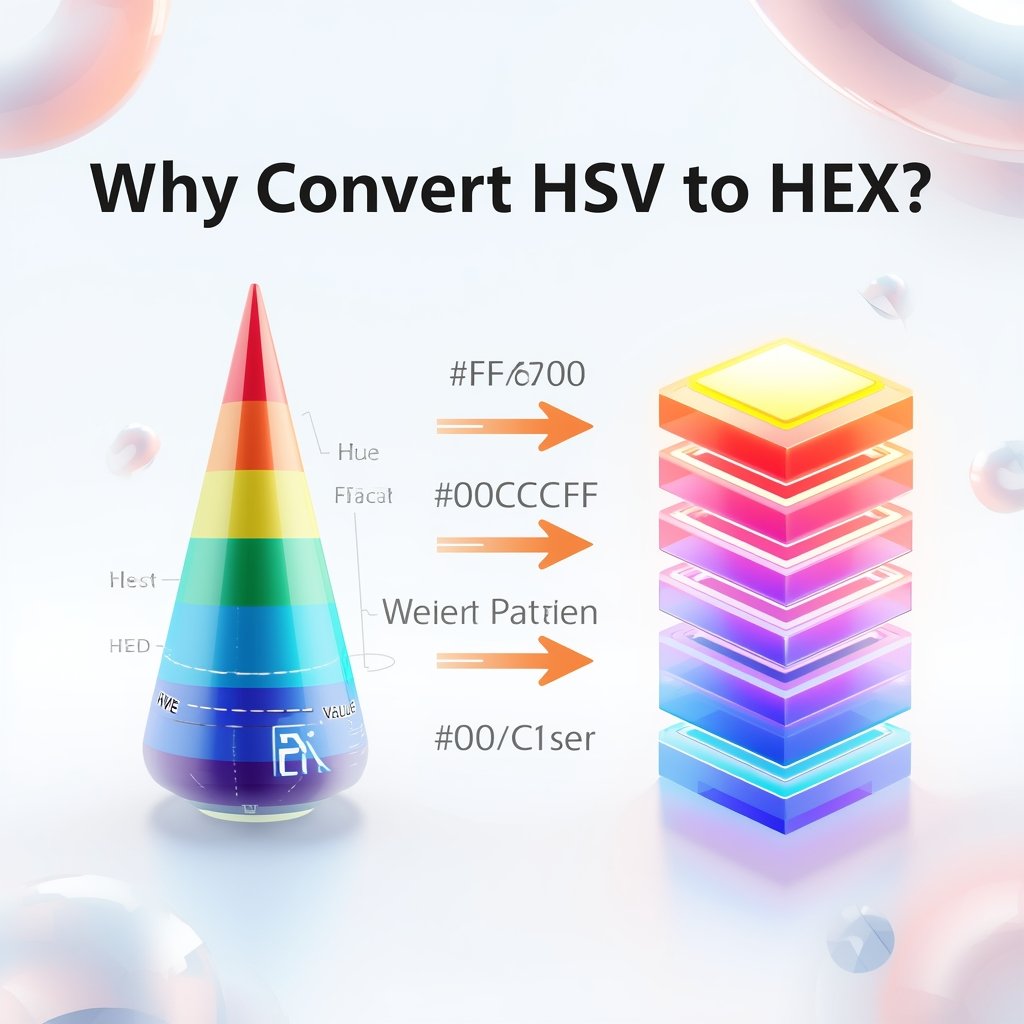
Why Convert HSV to HEX?
There are scenarios where using HSV for design makes sense due to its human-friendly color adjustment. But when it comes to web development, HEX is often the standard. Hence, the need arises to convert HSV to HEX efficiently.
For example, a color picked from an HSV colour picker in design software must be translated into a HEX code before being embedded into HTML/CSS.
How to Convert HSV to HEX
To convert HSV to HEX, follow these steps:
- Convert HSV to RGB:
- First, calculate chroma (C), a temporary value.
- Calculate X and m based on the hue sector.
- Convert the normalized RGB to 0–255 scale.
- First, calculate chroma (C), a temporary value.
- Convert RGB to HEX:
- Each RGB value is converted into its two-digit HEX format.
Alternatively, several online tools and color libraries help you convert between hex code to HSV and vice versa instantly.
HEX to HSV: The Reverse Conversion
Just as you can convert HSV to HEX, you might need to do the opposite. A hex to HSV conversion is useful when analyzing web designs, or reverse-engineering a crome color palette. Converting hex code to HSV reveals more about the color’s brightness and intensity, making it easier to adjust visually.
Hue, Saturation, Luminance to HEX
While HSV uses Value (brightness), Hue Sat Lum to HEX conversion uses Luminance, which is a different way of expressing the brightness of a color. This is typically found in HSL color models, closely related to HSV. Many color pickers offer conversions between HSL, HSV, and HEX, ensuring precision across design platforms.
HSV Code vs HSV Color Codes
Though they sound similar, HSV code refers to a specific color expressed in HSV values like h=120, s=50%, v=75%, while HSV color codes or h s v color code refers to the format used to describe such colors in technical terms. These are used in graphic software, HTML editors, and code snippets where precise color definition is required.
Convert RGB to HSB: Are HSB and HSV the Same?
I mean yes, HSV, are just another name of HSB (Hue, Saturation, Brightness). Converting RGB to HSB, you are converting to the HSV model. Conversion of RGB to HSB tools can be useful to the developer who has colors received in RGB format and needs to use HSB sliders by a design application.
Tools: Using an HSV Colour Picker
A Hsv colour picker enables one to manipulate colours in an intuitive way. You may tune brand colors or UI themes with greater control by using affairs of hue, saturation, and value individually. The built-in HSV colour picker is available in most of the contemporary graphic and web design software such as Adobe Photoshop, Figma, or browser-based tools.
Others even display conversions in real-time between HSV, HEX, and RGB allowing them to copy/paste what they want.
Final Thoughts
Learning how to change HSV to HEX and Th hex code to HSV decode and convert RGB to HSB are the essentials to ensure a consistent look and comprehensive professional design. Applying the correct HSV colour picker / converter application can always give precise output, whether it is in relation to crome color palettes or in relation to refining ones own HSV code.
What’s the difference between HSV and HSB?
There’s no real difference. HSV (Hue, Saturation, Value) and HSB (Hue, Saturation, Brightness) are the same model, just named differently by different platforms.
Can I convert HSV to HEX without converting to RGB first?
Technically no. The HSV model must first be translated into RGB before you can convert RGB to HEX, since HEX is a representation of RGB.
How can I convert HEX to HSV?
To convert HEX to HSV, first change the HEX code into RGB values, then apply the HSV conversion formula to get hue, saturation, and value. For a quick and accurate calculation, you can also use our HEX to HSV Converter.
Which tool can I use to convert HSV to HEX easily?
Many online tools like ColorHexa, Adobe Color, or integrated developer tools in Chrome allow fast conversion. Most design software includes an HSV colour picker with HEX output.
Are HSV colour codes used in HTML or CSS?
Not directly. CSS uses RGB or HEX, but you can use tools to convert h s v color code to HEX or RGB and then apply them.
How do I change Crome color themes using HSV?
Chrome extensions and developer tools often let you customize themes using HEX. Use a color picker to get the desired HSV tone and convert it to HEX before applying.