

Checker Tools
Text Tools
- Text separator
- Email extractor
- URL extractor
- Text size calculator
- Duplicate lines remover
- Text to speech
- IDN Punnycode converter
- Case converter
- Character counter
- List randomizer
- Reverse words
- Reverse letters
- Emojis remover
- Reverse list
- List alphabetizer
- Upside down text generator
- Old English text generator
- Cursive text generator
Developer Tools
Generator Tools
Image manipulation tools
- BMP to ICO
- ICO to JPG
- ICO to GIF
- ICO to PNG
- ICO to WEBP
- ICO to BMP
- GIF to JPG
- GIF to ICO
- GIF to PNG
- GIF to WEBP
- GIF to BMP
- HEIC to PNG
- HEIC to GIF
- HEIC to JPG
Make Your CSS Lighter, Your Website Faster.
Minify CSS for Faster Websites
CSS is a significant part of web development that influences the design and the constructed feel of websites. CSS can however bulge up and have an adverse effect on the loading time unless properly optimised. This is where the necessity to minify CSS comes. Minification also makes your files smaller and faster to load by eliminating unnecessary characters, spaces and lines of commenting in your stylesheets, but does not affect the functionality in any way.
Why You Should Minify CSS
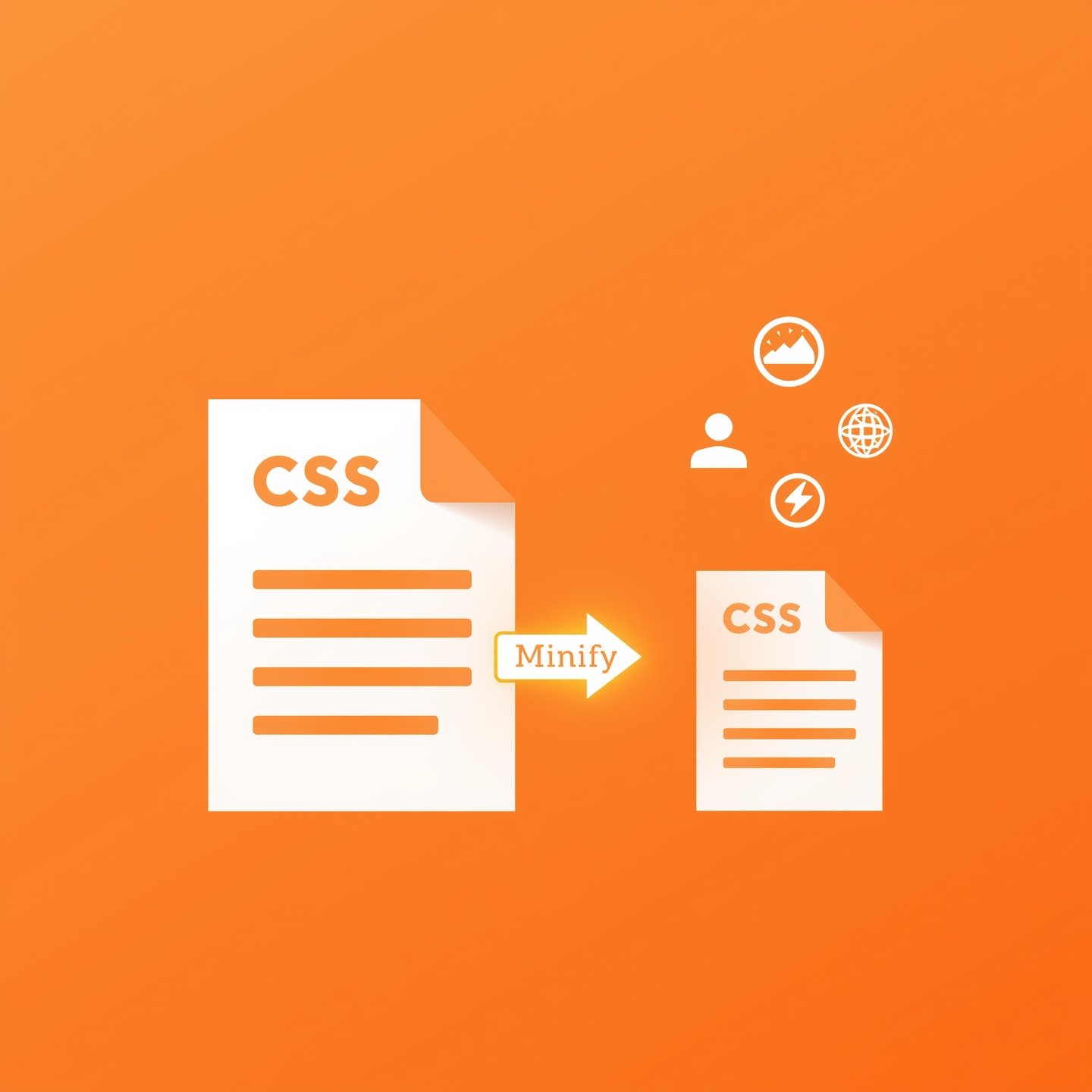
To minify CSS refers to compression of your stylesheet files to remove unnecessary information. This involves the elimination of white spaces, newline characters, comments, and even the shortening of the variable names (with preprocessors). The primary consequence is the lesser file size and faster page speed. The modern SEO and performance-based world does not give you a second chance to lose prospects and revenues. Websites that load faster are not only easy to use but also preferable to Google in ranking.
While optimizing your stylesheets, using a CSS Minifier is one of the easiest ways to reduce file size instantly. Developers often pair it with a JS Minifier and a GZIP Compression Checker to fully optimize front-end performance. These tools help shrink both CSS and JavaScript files, confirm server-level compression, and improve overall loading speed—especially on mobile networks.

How CSS Minify Improves Performance
By discussing css minify we mean a technique used in the form of compressing CSS files in order to enhance efficiency in websites. Minifying your CSS will save several kilobytes of data and will be a big help when the user is on mobiles network or slower connections. Minification Example An example of this is that a CSS file of 120KB size may reduce to 80KB or less. When you scale that savings over a number of CSS files and a number of users the impact on the site is indeed very dramatic.
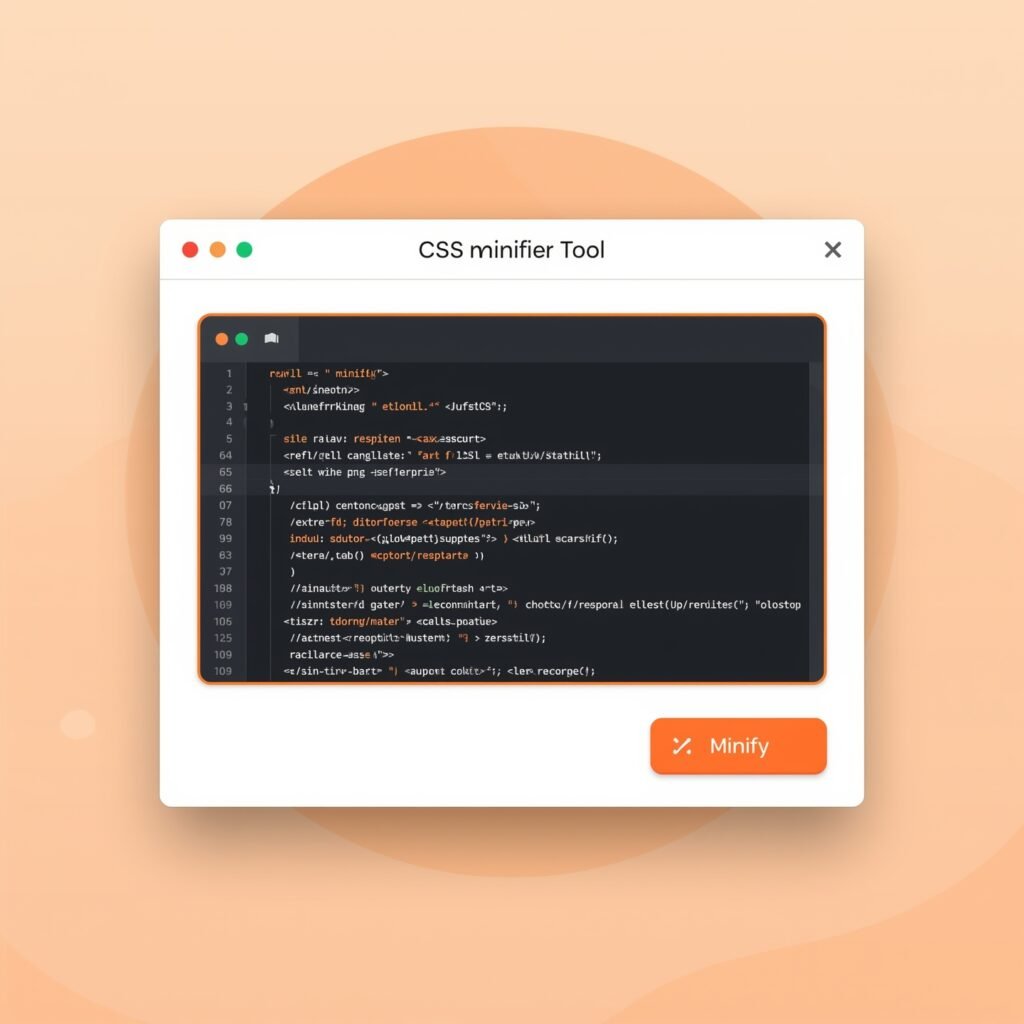
What is a CSS Minifier?
A css minifier is a program which facilitates the minification task. These tools are available as stand-alone tools or as build tools such as Webpack, Gulp, as part of CMS systems. They read your stylesheet and remove whatever elements are not necessitated lest it has an impact on the end rendering style. You can use CSS minifier regardless of whether you are implementing a small static page or a large application on the Internet.
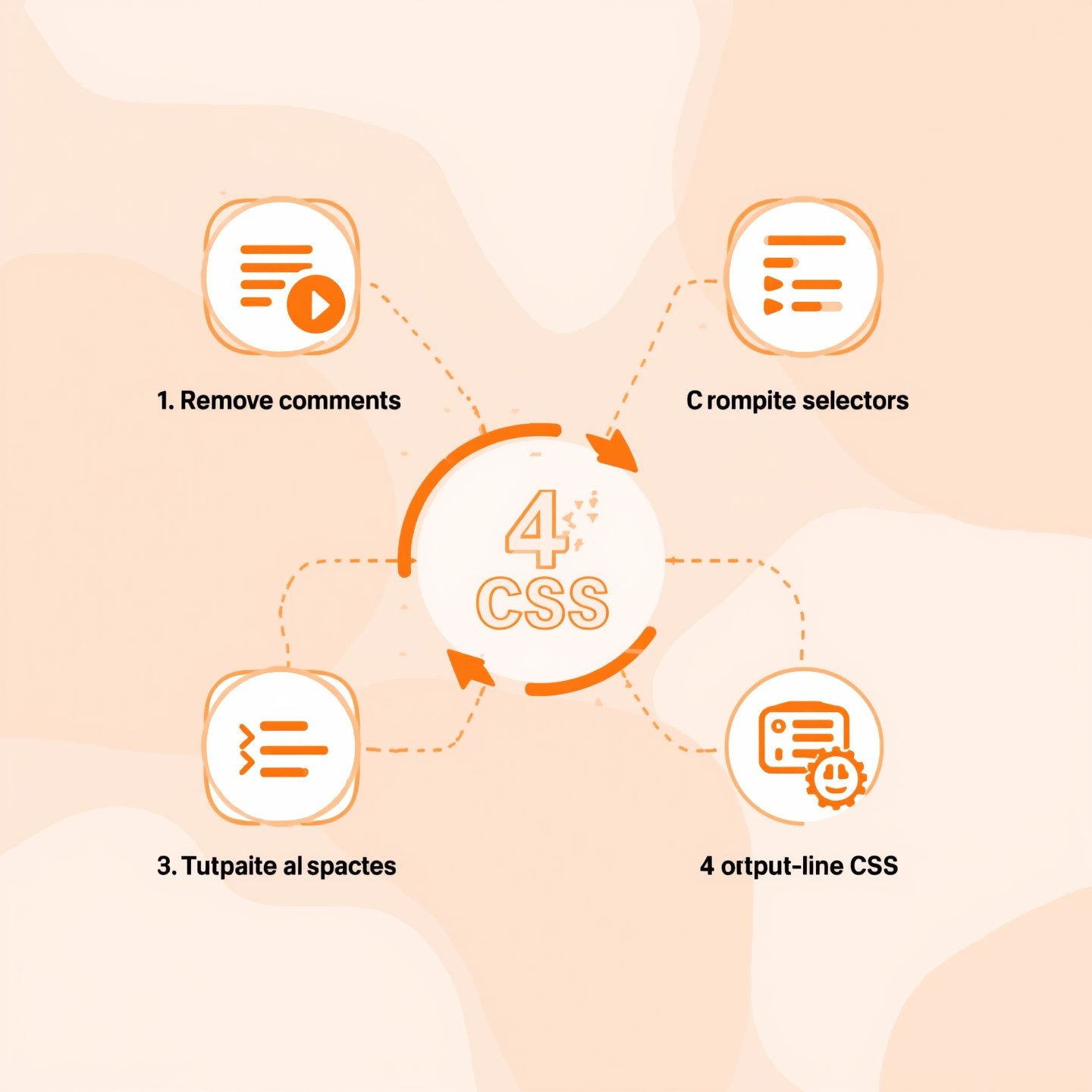
The Process of Minification of CSS
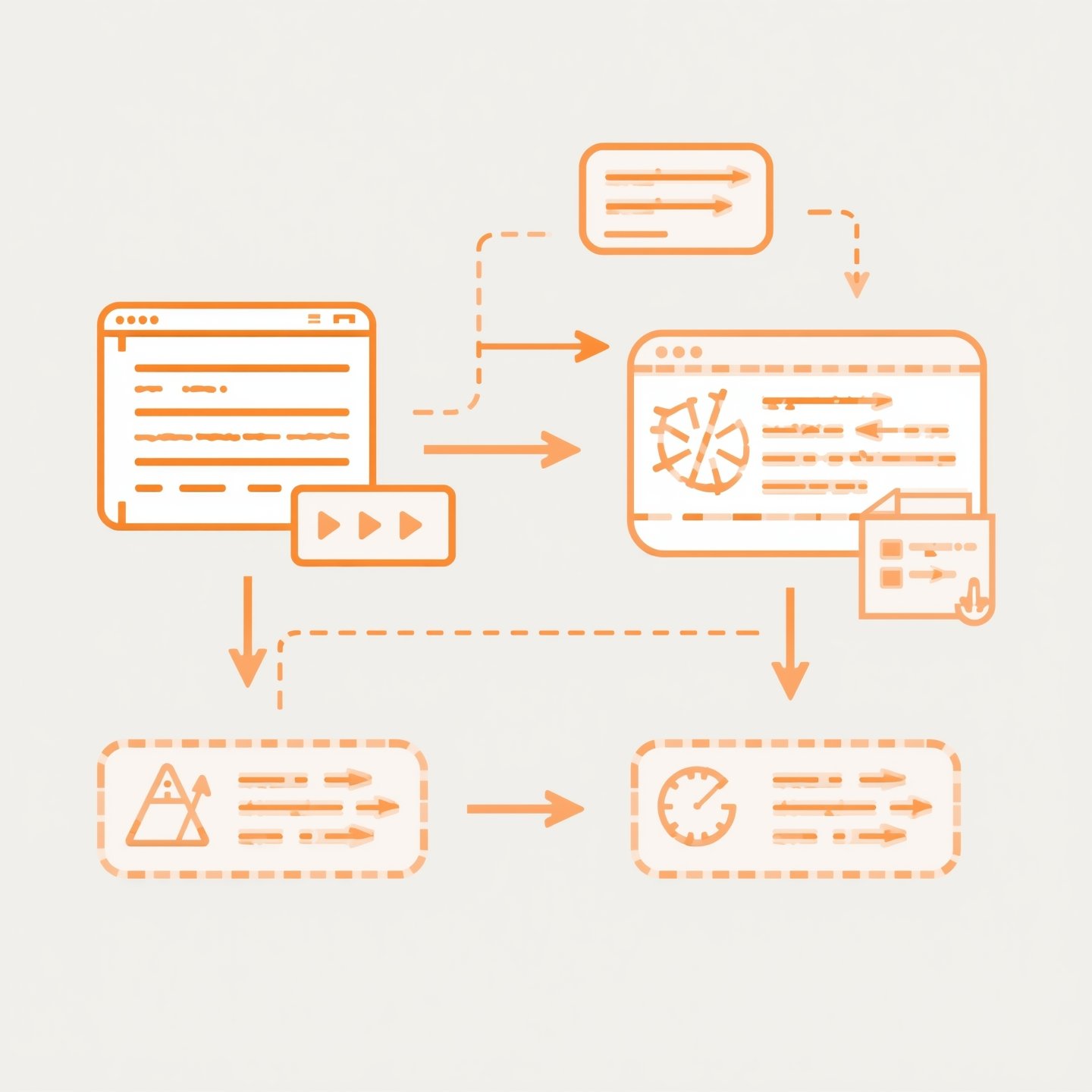
Minification of CSS means that the CSS code is analyzed and written in a more effective manner. This may involve stripping out comments, spaces and semicolons and even combining duplicate selectors or declarations. Other enhanced minifiers also rearrange the code so as to have the most compact size in a way that does not lead to the loss of functionality. Its end result is a one line block of CSS which is easy for a browser to read but hard to read taking long for a human to read through.
Minifying CSS in Your Workflow
Minifying CSS can be added to your development workflow in several ways. You can either manually upload your CSS files to an online tool for minification or set up an automated task runner that compresses your files every time you save them. If you’re using frameworks like React, Vue, or Angular, most build tools include CSS minification by default during production builds. Keeping this process automated helps maintain a fast website without additional manual effort.
Use Tools to Minify CSS Online
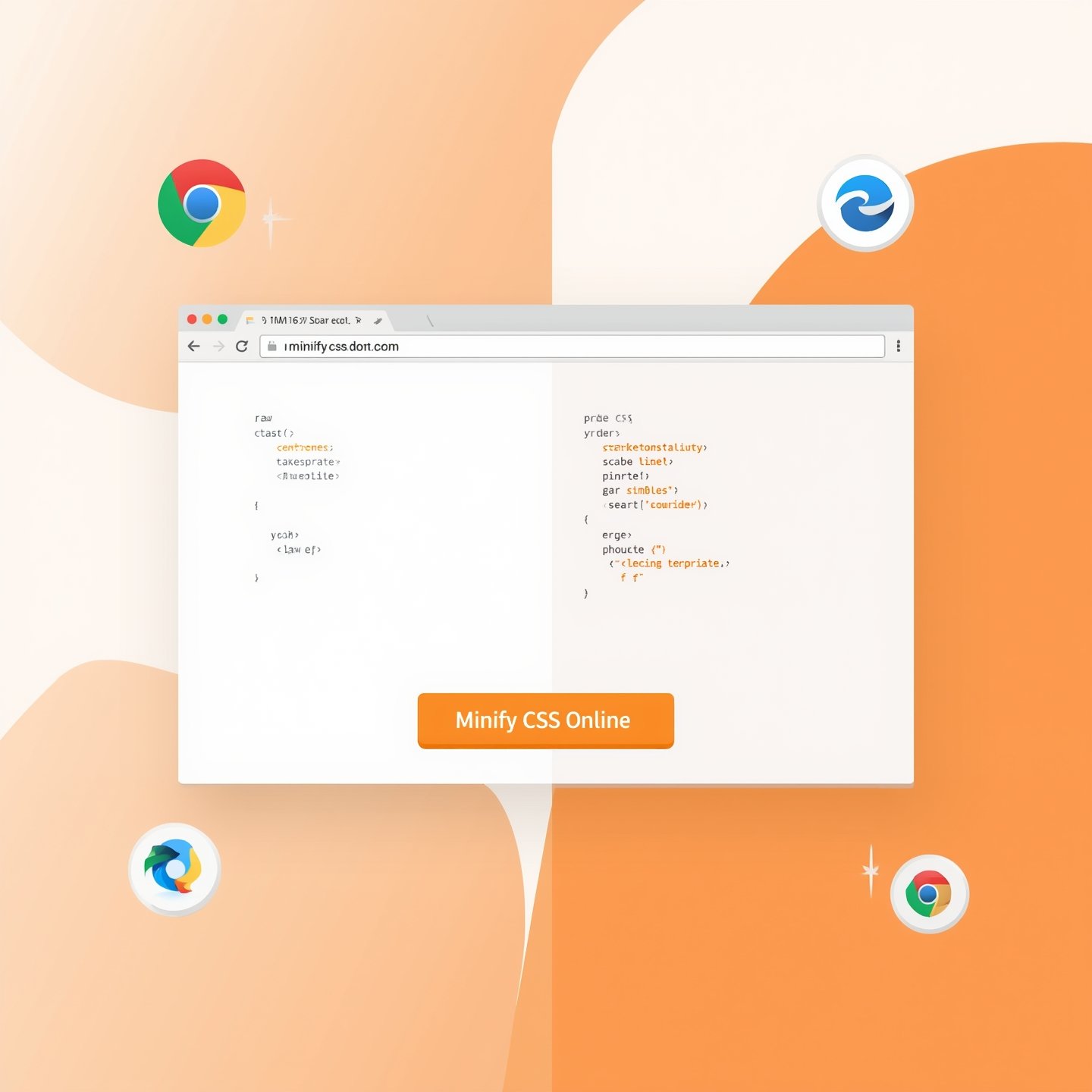
For those not using build tools or who prefer a quick solution, there are many websites where you can minify CSS online. These platforms allow you to paste your raw CSS into a text box, click a button, and get back a minified version instantly. Some popular online minifiers include CSSNano, Minifier.org, and CleanCSS. These are especially useful for quick fixes or for developers who don’t want to set up a local development environment.
Compress CSS to Improve Load Time
When you compress CSS, you’re doing more than just minifying it. Some compression tools go a step further by combining multiple CSS files into one, reducing the number of HTTP requests the browser has to make. Compression can also include gzip or Brotli encoding on the server side. Together, these techniques significantly improve load times and reduce server bandwidth usage. In competitive industries, every millisecond counts—and CSS compression helps shave off valuable time.
Conclusion
In today’s fast-paced digital world, performance is key. The practice of minifying CSS is a small but powerful optimization that can significantly enhance your website’s loading speed and user experience. Whether you’re using a css minifier, automating the minification of CSS, or choosing to minify CSS online, the end goal remains the same: make your site leaner and faster. Don’t overlook this essential step—compress CSS, reduce load times, and keep your users engaged from the very first click.
Q1: What does it mean to minify CSS?
Minifying CSS is the process of removing unnecessary characters from CSS code, such as spaces, comments, and line breaks, to reduce file size and improve website speed.
Q2: Is it safe to minify CSS? A: Yes, minification does not alter th
Yes, minification does not alter the functionality of the CSS. It only removes elements that are irrelevant to browsers, making it safe and efficient.
Q3: How do I minify CSS automatically?
You can use build tools like Webpack, Gulp, or CLI utilities to automate CSS minification, or use CMS plugins if you’re using WordPress or similar platforms.
Q4: Which is the best tool to minify CSS online?
Some reliable tools are CSSNano, Minifier.org, and CleanCSS. These offer easy-to-use interfaces and produce high-quality results instantly.
Q5: Does minifying CSS improve SEO?
Yes, faster-loading websites contribute to better user experience and SEO rankings. Minified CSS helps improve site speed, indirectly boosting SEO performance.