

Checker Tools
Text Tools
- Text separator
- Email extractor
- URL extractor
- Text size calculator
- Duplicate lines remover
- Text to speech
- IDN Punnycode converter
- Case converter
- Character counter
- List randomizer
- Reverse words
- Reverse letters
- Emojis remover
- Reverse list
- List alphabetizer
- Upside down text generator
- Old English text generator
- Cursive text generator
Developer Tools
Generator Tools
Image manipulation tools
- BMP to ICO
- ICO to JPG
- ICO to GIF
- ICO to PNG
- ICO to WEBP
- ICO to BMP
- GIF to JPG
- GIF to ICO
- GIF to PNG
- GIF to WEBP
- GIF to BMP
- HEIC to PNG
- HEIC to GIF
- HEIC to JPG
Master Your Speed with Polling Rate Test
Keyboard Polling Rate Checker
What is Keyboard Polling Test

When I first got into gaming, I realized that the way a keyboard responds can seriously affect performance. The polling rate basically refers to how often your computer checks for key presses. This action is measured in Hertz or Hz, which indicates how many times per second a request is made to check if a key was pressed. For instance, a 125Hz rate means the keyboard sends data 125 times per second, while a 1000Hz rate transmits keystroke information to your system almost in real time. Therefore, the higher the number, the more frequent the communication between the keyboard and computer, and the faster your inputs get detected and recorded.
Running a keyboard polling rate test really helps you determine how quickly your device communicates with the system. From my experience, it’s not just about speed it also impacts response time and overall gaming quality. A test measures and reports the number of times per second your keyboard interacts with the computer, which can be a game-changer. Whether you’re into competitive games or just want snappy typing, understanding this aspect of your gear can really make a difference.
How to Test Your Keyboard Polling Rate?

When I want to test my keyboard polling rate, I usually follow a few simple steps that give me reliable results. First, I use a free tester tool that allows me to press any key repeatedly and observe how the scan reacts especially at 1000Hz, where the response is close to 1ms. I always check the latency and history to identify any inconsistencies, especially when switching between gaming and typing. My pro tip is to try different scenarios to see how the keyboard performs under pressure, which gives the best insights.
Use an Online Polling Rate Tester
I often use an online tester like https://toolchecking.com/ to check my keyboard polling rate, and I’ve found it performs similarly to other sites with similar features.
Use Dedicated Software
For a more advanced check, I rely on dedicated software provided by some mechanical keyboards or gaming keyboards. Brands like Monsgeek let you download a Driver from their Download Center, and if your keyboard supports QMK or VIA, the Configurator can also check the polling rate with precision.
Use a USB Protocol Analyzer
Sometimes I go deeper by using a USB Protocol Analyzer these tools like USBlyzer or Wireshark can capture and detect polling intervals at the system level, which is helpful when troubleshooting complex issues.

Why Keyboard Polling Rate Really Matters
In my experience, a higher polling rate directly affects the input lag, which is crucial for both gaming and typing. Serious gamers often prefer elevated rates because it improves responsiveness and helps in executing fast, real-time actions with greater accuracy. While regular users may not notice much, there are still significant differences that can make tasks smoother and more fluid. I’ve tested various setups where even slight changes in polling speed made measurable impact on reaction time during intense matches and helped avoid lag that could throw off important moves.
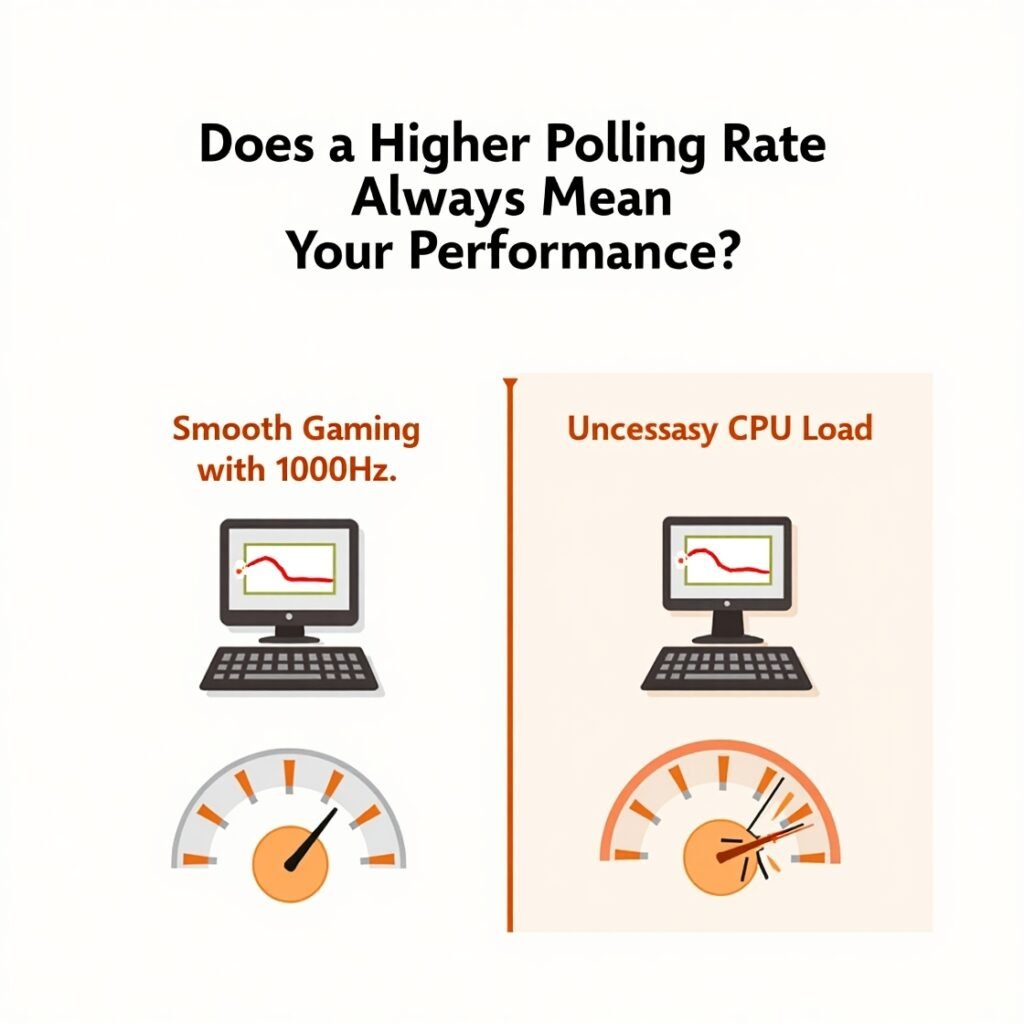
Does a Higher Polling Rate Always Mean Better Performance?
From my own setup experience, I’ve found that a higher keyboard polling rate doesn’t always guarantee better performance. While it might reduce input delay, the real impact can only be judged based on specific usage scenarios and the user’s unique needs. For instance, in fast-paced gaming, the difference can feel major, but during casual browsing or basic tasks, even the highest rate feels the same. It’s really about matching the rate to your routine not everyone needs the max specs.
When a Higher Polling Rate Helps
I remember switching to an 8000Hz setup during intense competitive games, and it was a game-changer literally. These high rates, like 1000Hz, 4000Hz, and beyond, sends more key signals to the computer per second, massively reducing response time. This means players with quick skills or complex combos can seize the initiative, play more accurate, and capture fast, continuous presses without worrying about omissions or misjudgments. It’s especially suitable for high-intensity e-sports, professional writers, or anyone where speed, like in game control, live broadcasts, or video editing, directly affects your operating experience.
When It Doesn’t Make a Noticeable Difference
But during routine tasks like general typing or office work, I’ve personally found the limited significance of polling rate increases. 125Hz or 250Hz feel just as smooth, with only minimal improvement in perception. The human threshold for detecting delays typically sits between 20 to 30 milliseconds, meaning the theoretical improvement from 1 ms to 0.1 ms in delays offers no noticeable difference for most. A total of even 10 ms delay barely affects perceived impact, unless you’re using benchmarking tools. Also, system limitations, especially in older setups, can create process hiccups. If your CPU handles input frequently, it may cause strain on older or lower-performance CPUs. Add wireless factors, and the power consumption may rise without any real gain.

Which Keyboard Polling Rate Is Right for You?
Choosing the right keyboard depends heavily on how often your keystrokes matter. As a programmer and frequent office computer user, I find that for everyday tasks like typing documents or working on code, even 125 Hz or 500 Hz is perfectly suitable. These rates rarely present a bottleneck unless you’re a competitive gamer. But when I jump into FPS games like CS2 or Valorant, or dive into rhythm games like osu!, the story changes. In those milliseconds where every move counts, a higher polling rate like 1000 Hz or even 8000 Hz can help the system respond faster and deliver a smoother, clean input. Gaming at an ultra-high level truly pushes the limits, and the difference is more frequently noticeable. Meanwhile, for typists or a writer focused on comfort and accuracy in an office setting, ordinary rates are actually more suitable. It’s always recommended to match your needs whether you’re typing code, playing action games, or just handling documents to the right Hz level. Each user will feel the optimal rate differently.
Final Thoughts
After years of testing gear for both work and play, I’ve come to appreciate how essential a keyboard polling rate test is for serious gamers and professionals alike. It’s not just about having the best polling rate, but about checking, using, and evaluating the right tools to truly optimize performance. From measuring latency to understanding keyboard latency, every detail plays a key role in shaping the overall user experience. But through all this, one thing I’ve learned is that higher isn’t always better. When choosing a keyboard, I always consider my primary use cases, balance performance with my budget, and study the specs holistically. The secret lies not just in the numbers, but in how each feature interacts, and how these insights can enhance experience over time with consistent and conscious experience of the key specs while even changing keyboard polling rate when needed.
How to measure polling rate of a keyboard?
You can measure the polling rate of a keyboard using online tools or software designed for input testing. These tools show how often your keyboard sends signals to your computer, helping you check its performance in real time.
What keyboard has an 8000Hz polling rate?
Some high-end gaming keyboards, like models from Razer or Corsair, offer an 8000Hz polling rate. These are built for professional gamers who want ultra-fast response times.
Is 100ms keyboard latency good?
A 100ms keyboard latency is considered slow for gaming or professional tasks. For smoother and faster performance, a latency under 30ms is usually preferred.
How do I check my keyboard latency online?
Try our Keyboard Latency Test tool for quick response-time measurement
Can I increase my keyboard’s polling rate?
Yes, some keyboards allow you to change the polling rate through software settings or firmware updates. However, not all models support this feature, so you should check your keyboard’s specifications.
What’s the difference between polling rate and keyboard latency?
Polling rate is how often the keyboard reports to the computer (in Hz), while keyboard latency is the delay between pressing a key and the action happening on screen. Both impact how responsive your keyboard feels, but they measure different things.
Does polling rate affect typing speed?
For regular typing, polling rate has little noticeable effect. It matters more in gaming or real-time applications where every millisecond counts. Most users won’t feel a difference unless they use the keyboard in performance-critical situations.