

Checker Tools
Text Tools
- Text separator
- Email extractor
- URL extractor
- Text size calculator
- Duplicate lines remover
- Text to speech
- IDN Punnycode converter
- Case converter
- Character counter
- List randomizer
- Reverse words
- Reverse letters
- Emojis remover
- Reverse list
- List alphabetizer
- Upside down text generator
- Old English text generator
- Cursive text generator
Developer Tools
Generator Tools
Image manipulation tools
- BMP to ICO
- ICO to JPG
- ICO to GIF
- ICO to PNG
- ICO to WEBP
- ICO to BMP
- GIF to JPG
- GIF to ICO
- GIF to PNG
- GIF to WEBP
- GIF to BMP
- HEIC to PNG
- HEIC to GIF
- HEIC to JPG
Instant Bits to Terabytes Converter Tool
Bit to Terabyte Conversion: Understanding the Digital Scale
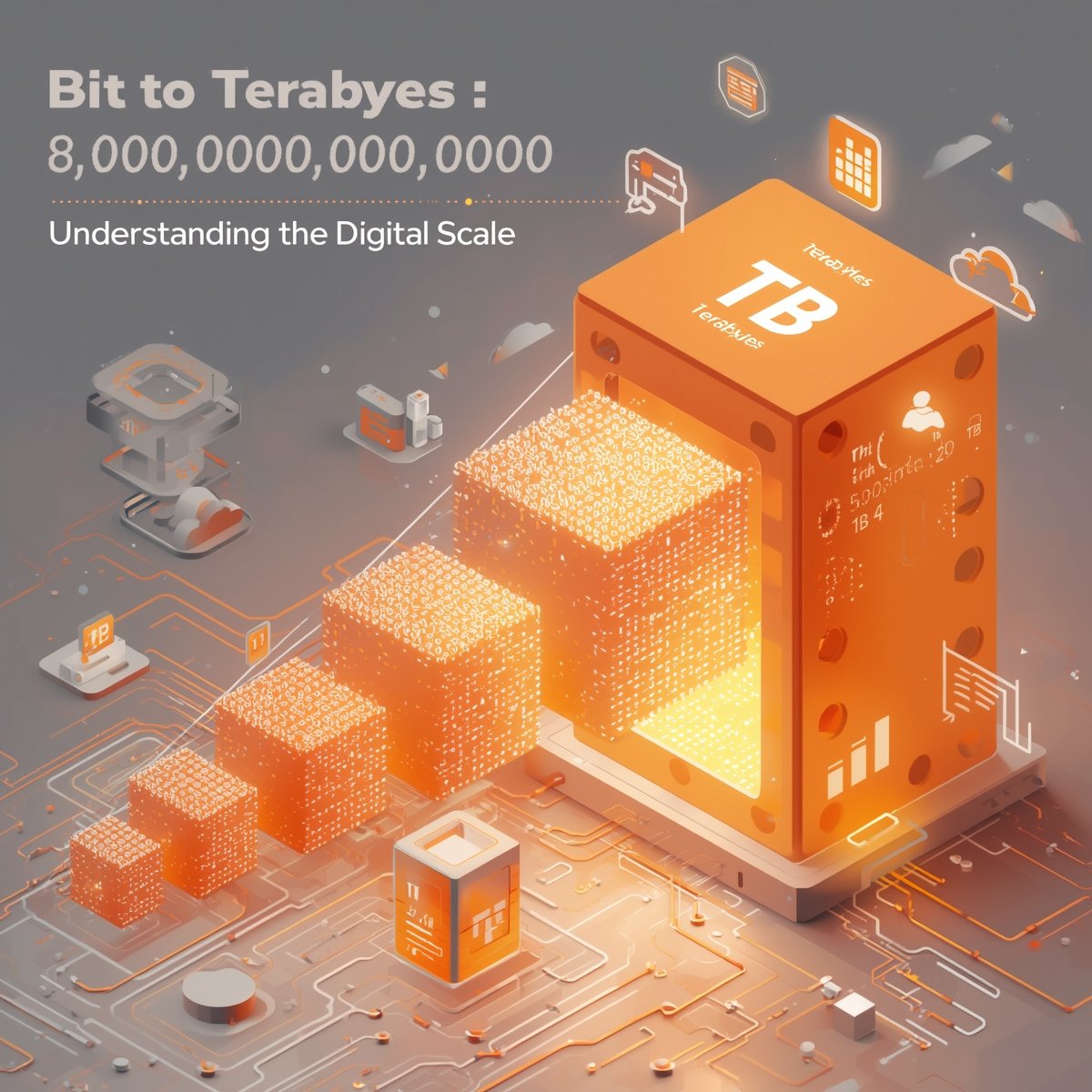
Bit to TB (terabyte) conversions have become a vital concept in the realm of digital storage and computations where tech professionals, students and anyone working with data on a large scale need to have a clear conceptualization of bit to terabyte conversions. This can be seen when you want to optimize systems or even compute the storage capacity when having a clear understanding of the conversion of bits to terabytes it becomes easier not to get confused and even in planning. How this conversion occurs, the numbers, and how to look up conversion tables with the help of bit calculation tables and bit conversion tables so that they become handy will be broken down.
What is a Bit and a Terabyte?
The basic unit of information in computing and digital communications is a bit (binary digit). It is a 0 or a 1. At the other extreme, a terabyte (TB) is a far bigger measure of data storage, which equals:
- 1 TB = 1,000,000,000,000 bytes (decimal)
- Or 1 TB = 1,099,511,627,776 bytes (binary)
Since 1 byte = 8 bits, the number of bits in a terabyte is massive, and calculating it can feel overwhelming without the proper formulas or conversion tools.
How Many Bits Are in a Terabyte?
To convert terabytes to bits, we use the simple conversion formula:
1 byte = 8 bits
1 terabyte = 1,099,511,627,776 bytes (binary)
1 TB = 8 x 1,099,511,627,776 = 8,796,093,022,208 bits
So if you’re wondering how many bits are in a terabyte, the answer is:
8,796,093,022,208 bits (in binary-based systems)
8,000,000,000,000 bits (in decimal-based systems)
This distinction matters depending on the context: operating systems like Windows often use the binary standard, while hard drive manufacturers typically use the decimal one.
Bit to TB: Conversion Formula
To convert from bits to terabytes, use the following:
Binary-Based Formula:
TB = bits ÷ 8,796,093,022,208
Decimal-Based Formula:
TB = bits ÷ 8,000,000,000,000
This helps determine how much storage a certain number of bits would occupy in terabytes.
Bit Conversion Chart
A bit conversion chart is helpful for visualizing different data units. Below is a basic overview for quick reference:
Unit | Value in Bits |
1 Byte | 8 bits |
1 Kilobyte (KB) | 8,192 bits |
1 Megabyte (MB) | 8,388,608 bits |
1 Gigabyte (GB) | 8,589,934,592 bits |
1 Terabyte (TB) | 8,796,093,022,208 bits (binary) |
This chart clarifies how bit to TB and other conversions work in context, providing a visual way to understand digital storage scale.
Bit Calculation Table
Use this bit calculation table to see real-world examples of conversions:
Bits | Terabytes (Binary) |
8,000,000,000,000 | ~0.91 TB |
16,000,000,000,000 | ~1.82 TB |
87,960,930,222,080 | ~10 TB |
879,609,302,220,800 | ~100 TB |
This table is helpful for data engineers and storage planners when estimating or benchmarking storage requirements.
Common Confusions: Bit vs Byte vs Bite
The most asked question is: how much is a terabyte in bites? It is frequently misspelled word or mispronounced as bites, which is similar to bytes. Computing does not use a unit of a bite. The right word is byte and it is represented by 8 bits. Then when one poses a question like how many bites in a terabyte, here is where one is probably posing the right question; how many bytes or bits in a terabyte.
Why Does Bit to TB Conversion Matter?
Understanding bit to terabyte conversion is essential in:
- Data compression & transfer rates
- Cloud storage billing & planning
- Hard disk and SSD sizing
- Data backup management
When calculating bandwidth or comparing file sizes across platforms, being clear on units especially when some tools display sizes in bits and others in bytes is critical.
Final Thoughts
The process of dealing with digital storage entails learning about the scaling up of basic storage units such as bits to the large units like terabytes. It is more convenient to represent and convert the storage sizes with the help of the bit conversion charts and bit calculation tables. Keep in mind that 1 TB has 8,796,093,022,208 bits expressed as binary number and 8,000,000,000,000 bits whenever it is presented as a decimal number. Clearness in such conversions means incident-free data management and more intelligent technology choices.
How many bits are in a terabyte?
In binary, there are 8,796,093,022,208 bits in a terabyte. In decimal, there are 8,000,000,000,000 bits.
How do I convert bit to terabyte manually?
Divide the number of bits by 8,796,093,022,208 (binary) or 8,000,000,000,000 (decimal)
How can I convert bits to gigabytes?
To convert bits to gigabytes, divide the total bits by 8,589,934,592 (since 1 gigabyte = 8,589,934,592 bits). For a quick and accurate calculation, you can also use our Bits to Gigabytes Converter.
Is there a difference between bits and bytes?
Yes. 1 byte = 8 bits. Bytes are typically used to measure file size, while bits are often used in network speed.
What is a bit conversion chart?
A chart that shows how bits convert into higher data units like KB, MB, GB, and TB.
Are bites and bytes the same?
No. “Bites” is a common misspelling. The correct term is bytes, which are made up of 8 bits.
Can I use online tools for conversion?
Yes. Numerous online bit to TB converters and bit calculation tables are available for accurate conversion.
Why do hard drive sizes seem smaller on my computer?
Manufacturers use decimal (1 TB = 1,000,000,000,000 bytes), but operating systems use binary (1 TB = 1,099,511,627,776 bytes), making the drive appear smaller.