

Checker Tools
Text Tools
- Text separator
- Email extractor
- URL extractor
- Text size calculator
- Duplicate lines remover
- Text to speech
- IDN Punnycode converter
- Case converter
- Character counter
- List randomizer
- Reverse words
- Reverse letters
- Emojis remover
- Reverse list
- List alphabetizer
- Upside down text generator
- Old English text generator
- Cursive text generator
Developer Tools
Generator Tools
Image manipulation tools
- BMP to ICO
- ICO to JPG
- ICO to GIF
- ICO to PNG
- ICO to WEBP
- ICO to BMP
- GIF to JPG
- GIF to ICO
- GIF to PNG
- GIF to WEBP
- GIF to BMP
- HEIC to PNG
- HEIC to GIF
- HEIC to JPG
Quick Bits to Bytes Converter Tool
Bits to Bytes: A Simple Guide to Data Measurement
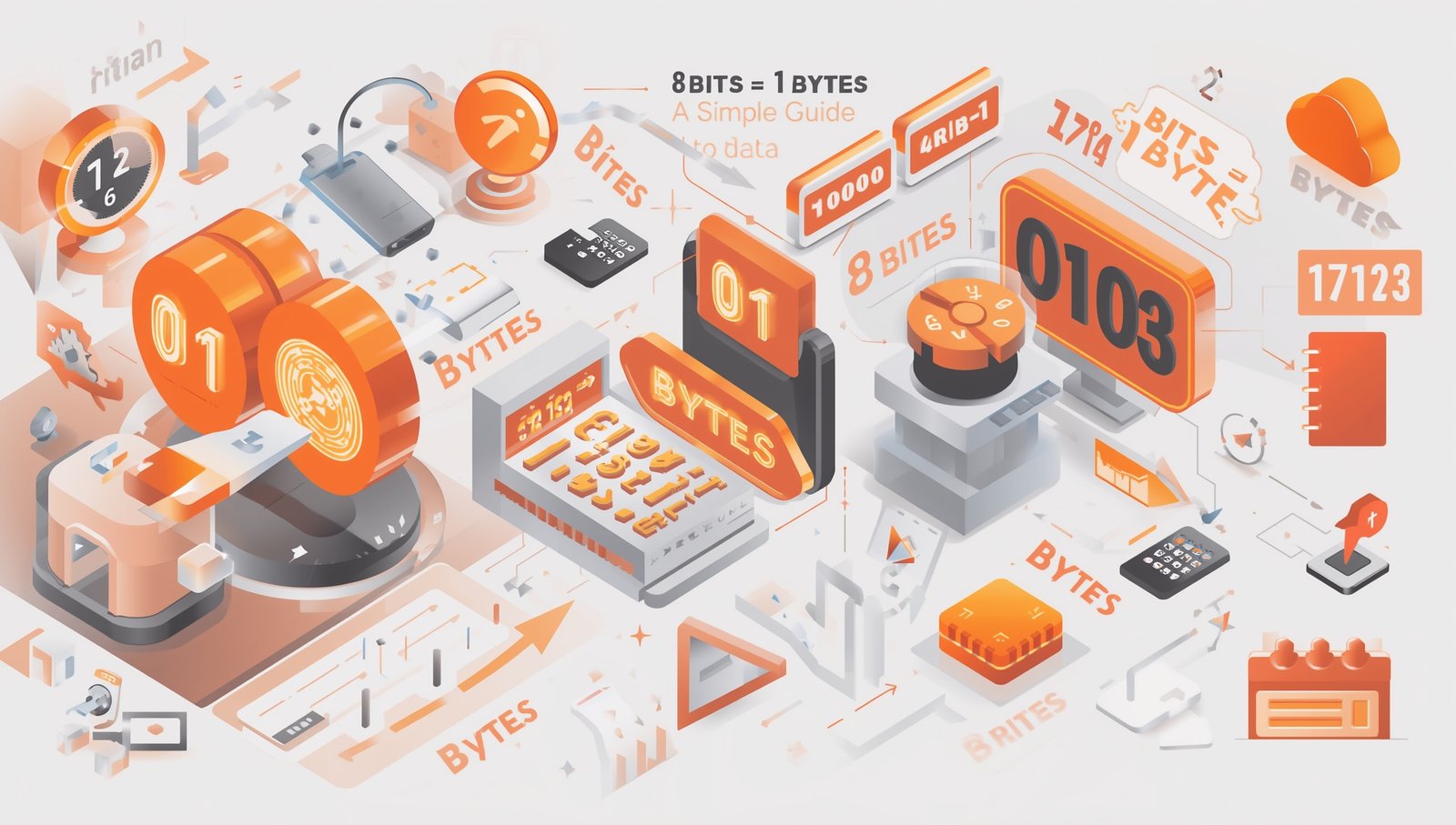
Understanding the relationship between bits and bytes is essential in today’s digital world. Whether you’re downloading a file, coding an application, or configuring a network, you’ll often come across terms like bit to byte, bytes to bits, or bits to bytes conversion. This article will walk you through what these terms mean, how to convert them accurately, and why it matters.
What Is a Bit?
A bit (short for binary digit) is the smallest unit of data in computing. It can hold only one of two values: 0 or 1. In the digital universe, every image, video, file, and software begins with these two numbers. These 1s and 0s make up everything we interact with on a screen.
What Is a Byte?
A byte is a group of 8 bits. Why 8? That’s just the standard established long ago to efficiently represent letters, numbers, and other characters using binary to byte systems. When someone says a file is 1KB (kilobyte), it means that it contains 1,024 bytes or 8,192 bits.
How Many Bits in a Byte?
This is one of the most frequently asked questions in basic tech knowledge.
The answer is simple:
8 bits = 1 byte
That means if you hear 8 bits to a byte, you’re hearing the standard definition.
Converting Bits to Bytes
To convert bits to bytes, you just divide the number of bits by 8.
For example:
- 64 bits to bytes = 64 ÷ 8 = 8 bytes
- 16 bits to bytes = 16 ÷ 8 = 2 bytes
- 10 bit to byte = 10 ÷ 8 = 1.25 bytes
- 1 bit to byte = 1 ÷ 8 = 0.125 bytes
This simple formula is the foundation for any bit to byte conversion.
Bytes to Bits
On the flip side, when you need to go from bytes to bits, multiply by 8:
- 1 byte = 8 bits
- 5 bytes = 40 bits
- 100 bytes = 800 bits
This conversion is especially useful in networking where speeds are often measured in bits per second (bps), not bytes.
Using a Bits in Bytes Converter
If math isn’t your strong suit, don’t worry. There are many bits in bytes converters available online that will automatically handle these calculations. Simply input your value and let the bit to byte converter do the rest. Whether you’re working with 16base bit byte formats or just need a quick reference, these tools come in handy.
Different Terminologies
You might come across terms like:
- bits a bytes (Spanish for bits to bytes)
- bits en bytes (Dutch/French for the same thing)
- bit by byte (a play on words, usually referring to learning data in small chunks)
Don’t be confused they all point to the same fundamental relationship between bits and bytes.
Bit to Byte in Binary Systems
When working with raw binary data, the binary to byte concept becomes vital. For instance, a binary string like 10101100 is one byte long because it contains 8 bits. Programmers and hardware engineers often refer to bit to byte representations in machine language or low-level processing.
Examples of Bit to Byte Conversion
Here are some quick examples to help reinforce the concept:
Bits | Conversion | Result |
8 | ÷ 8 | 1 byte |
16 | ÷ 8 | 2 bytes |
64 | ÷ 8 | 8 bytes |
128 | ÷ 8 | 16 bytes |
256 | ÷ 8 | 32 bytes |
These are the kinds of calculations you’ll often do when evaluating file sizes, storage capacity, or internet speed.
Why It Matters
Understanding bits to bytes is more than just geek knowledge. When you know how data is measured:
- You can compare download speeds more accurately.
- You can choose the right storage devices.
- You’ll better understand software requirements.
You’ll be able to troubleshoot network issues faster.
Final Thoughts
Simply put, 8 bits constitute 1 byte and this is the engine behind all digital information today. No matter whether you need to convert 1 bit to byte or require bits to bytes conversion of a large file, these relations will make you more fluent in digital world. Things like a bit to byte converter or a bits in bytes converter would make the math very easy but the fact behind the same makes you tech-savvy.
How many bits are in a byte?
There are 8 bits in 1 byte.
How do I convert bits to bytes?
Divide the number of bits by 8. For example, 64 bits to bytes is 64 ÷ 8 = 8 bytes.
What is the value of 1 bit to byte?
1 bit = 0.125 bytes.
Can I convert 10 bits to bytes?
Yes. 10 ÷ 8 = 1.25 bytes.
Is there a tool to help with conversion?
Yes, there are many bit to byte converter tools online that let you quickly calculate the result.
How many bytes in a bit?
One bit is 0.125 of a byte.
What is "bit by byte"?
It’s often used to describe learning or processing information in small, manageable chunks.
What does 16 bits to bytes mean?
It means 2 bytes, as 16 ÷ 8 = 2.