

Checker Tools
Text Tools
- Text separator
- Email extractor
- URL extractor
- Text size calculator
- Duplicate lines remover
- Text to speech
- IDN Punnycode converter
- Case converter
- Character counter
- List randomizer
- Reverse words
- Reverse letters
- Emojis remover
- Reverse list
- List alphabetizer
- Upside down text generator
- Old English text generator
- Cursive text generator
Developer Tools
Generator Tools
Image manipulation tools
- BMP to ICO
- ICO to JPG
- ICO to GIF
- ICO to PNG
- ICO to WEBP
- ICO to BMP
- GIF to JPG
- GIF to ICO
- GIF to PNG
- GIF to WEBP
- GIF to BMP
- HEIC to PNG
- HEIC to GIF
- HEIC to JPG
How DNS Lookup Helps Diagnose Website and Email Problems
DNS Lookup

When something goes wrong with a website, maybe it loads slowly, doesn’t load at all, or routes you somewhere unexpected, one of the first places to investigate is the DNS. A DNS Lookup gives you a behind-the-scenes look at how a domain converts into an IP address and which records the domain is currently using. It’s a simple action, yet it reveals a surprising amount of information about the health and structure of a website or online service.
DNS lookup tools are basically a window on the configuration of the domain. Need to deploy a new project? Have a business owner troubleshooting down time? Just need to check that the DNS changes have been made? A DNS lookup can get you an answer in minutes, where without it, it would require hours to debug what happened.
Why DNS Lookup Is So Useful

Checking If DNS Updates Worked
If you just switched hosting providers or email services, a DNS lookup helps confirm the changes have propagated and are being detected correctly around the world.
Troubleshooting Website or Email Problems
A missing A record, wrong MX entry, or misconfigured SPF record can break important services. A DNS lookup pinpoints the exact issue.
Verifying Domain Ownership and Authority
Seeing the NS and SOA records helps determine whether the domain is under the correct management and hasn’t been altered unexpectedly.
Monitoring DNS Propagation
DNS changes aren’t instant; they travel through networks over time. A lookup shows whether global DNS servers have acknowledged the new configuration.
Understanding Server Routing
Developers often use DNS lookups to check staging domains, subdomains, load balancers, and CDN routing.
What a DNS Lookup Actually Reveals
Your browser will use a DNS look up every time you enter a domain name. A DNS look up tool allows you to view the exact contents of the system tracing the DNS records which inform browsers and applications where to connect.
A lookup typically reveals records such as:
- A and AAAA Records (domain → IP address)
- MX Records (email routing)
- CNAME Records (alias domains)
- TXT Records (verifications, SPF, DKIM, policies)
- NS Records (name servers controlling the domain)
- SOA Records (administrative details)
- SRV, CAA, PTR, and more depending on the domain setup
These records collectively tell the internet how to locate your website, handle your email, and apply security policies.
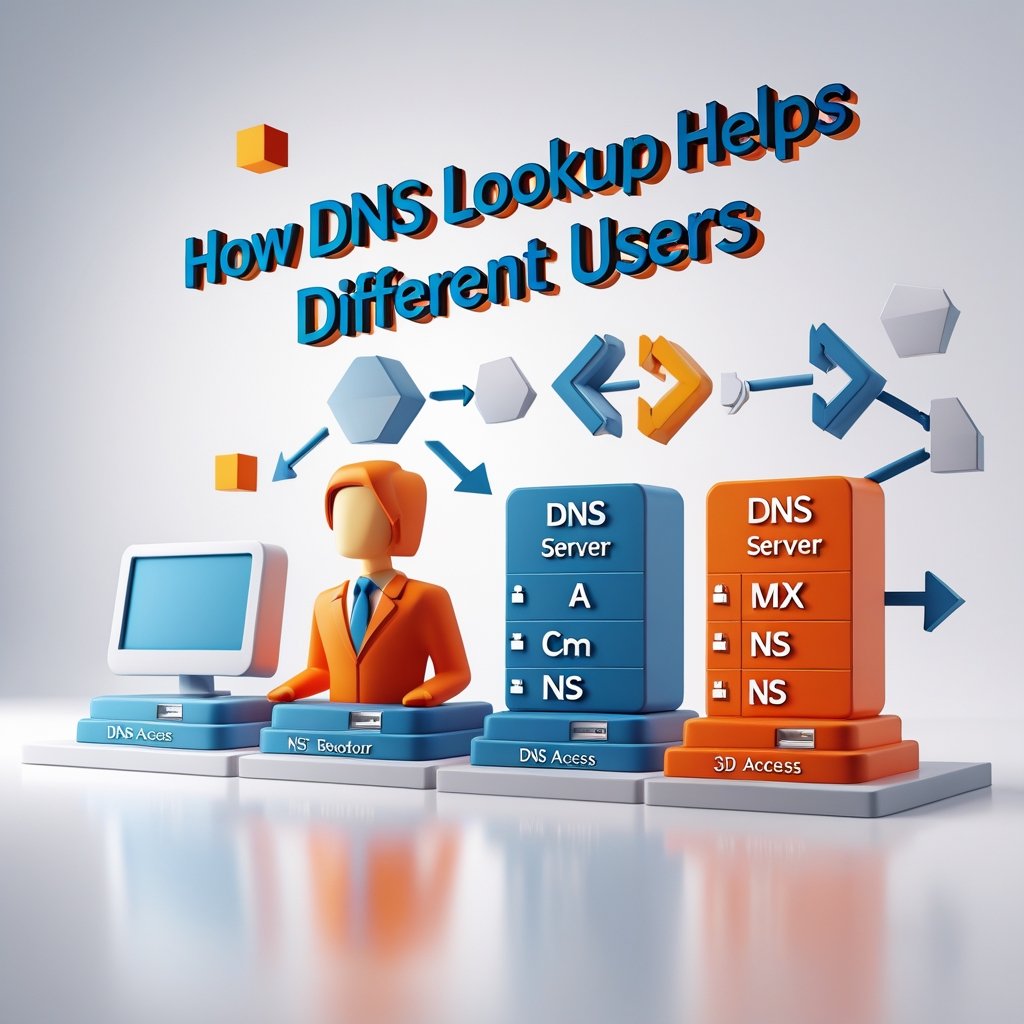
How DNS Lookup Helps Different Users
For Developers
It confirms that application endpoints, APIs, and staging environments are mapping correctly.
For Website Owners
It helps identify common errors like expired DNS entries, missing domain verifications, or email failures.
For Security Teams
It provides insight into unauthorized DNS changes, misconfigured CAA records, and potentially compromised domains.
For IT and Business Operations
It acts as a diagnostic tool to ensure reliable uptime, smooth migrations, and correct system integration.
When Should You Perform a DNS Lookup?
- When launching a new website
- After changing hosting providers
- When emails suddenly stop being delivered
- If the domain isn’t resolving correctly
- While investigating performance issues
- Before installing or renewing SSL certificates
- During server migrations or DNS record housekeeping
Any moment you suspect domain or server-related issues is a perfect time to run a lookup.
Final Thoughts
One of the most useful diagnostics that anyone should have in their sites, email or other online services. It immediately displays the configuration of a domain as well as aids in unveiling any problems which may be interfering with performance or security and accessibility. Be it correcting a broken site, a DNS update verification or just understanding more about how your domain functions, a DNS look up is what you want to get that insight and clarity to make the right decisions.
Does a DNS lookup show all DNS records?
Most lookup tools display the major records (A, MX, CNAME, TXT, NS), but some may require specialized queries for advanced types.
How often should I check DNS records?
There’s no strict schedule, but it’s good practice to validate them whenever you make changes or notice unusual behavior.
Is there a tool I can use to check if my email routing records are correct?
Yes, you can use an MX Lookup Tool to view your domain’s MX, SPF, DKIM, and DMARC records and quickly identify any email delivery issues.
Can DNS lookup help with email problems?
Yes. It shows whether MX, SPF, DKIM, or DMARC records are missing or misconfigured.
Why do different DNS lookup tools show different results?
Because they query different resolvers. Some use local caching, while others check global DNS servers.
Is DNS lookup safe to perform?
Absolutely. You’re only retrieving public DNS information that’s already accessible on the internet.