

Checker Tools
Text Tools
- Text separator
- Email extractor
- URL extractor
- Text size calculator
- Duplicate lines remover
- Text to speech
- IDN Punnycode converter
- Case converter
- Character counter
- List randomizer
- Reverse words
- Reverse letters
- Emojis remover
- Reverse list
- List alphabetizer
- Upside down text generator
- Old English text generator
- Cursive text generator
Developer Tools
Generator Tools
Image manipulation tools
- BMP to ICO
- ICO to JPG
- ICO to GIF
- ICO to PNG
- ICO to WEBP
- ICO to BMP
- GIF to JPG
- GIF to ICO
- GIF to PNG
- GIF to WEBP
- GIF to BMP
- HEIC to PNG
- HEIC to GIF
- HEIC to JPG
Quick RGB to HEX Color Converter Tool
RGB to HEX Conversion: Understanding the Color Shift in Digital Design
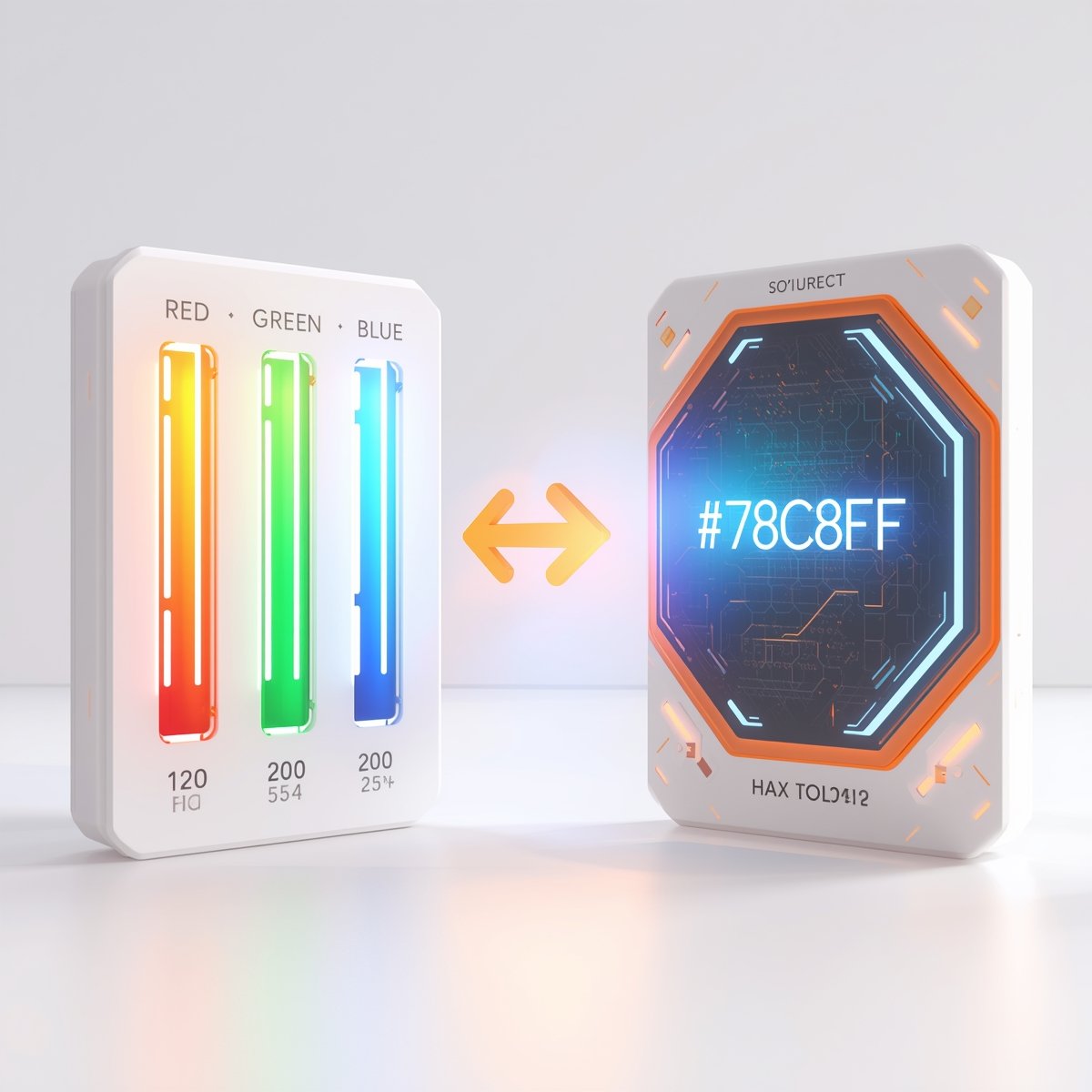
Colors are a crucial part of design, and when working with digital screens, we often use two major color models RGB and HEX. While RGB stands for Red, Green, and Blue, the HEX (hexadecimal) format is a shorthand representation used primarily in web design. If you’ve ever wondered how to convert RGB to HEX, this guide will walk you through everything from what these values mean to how to use a RGB to HEX converter.
What is RGB?
The RGB model uses varying intensities of red, green, and blue light to produce different colors. This model is used in screens, digital cameras, and many software applications. Each of the three components (R, G, B) is represented by a value from 0 to 255. For instance, RGB(255, 0, 0) represents pure red.
When you want to use these colors in web design, you’ll often need to convert RGB to HEX code, which looks more like #FF0000.
What is HEX?
HEX, or hexadecimal, is a six-digit alphanumeric code starting with a #, used to define colors on the web. Each pair of digits in the HEX code represents red, green, and blue components respectively. For example, #00FF00 is bright green.
It’s easy to confuse the two formats if you’re not familiar. People often search for terms like rgb hex, rgb to he, or even rbg to hex when trying to understand the concept or correct their typos.
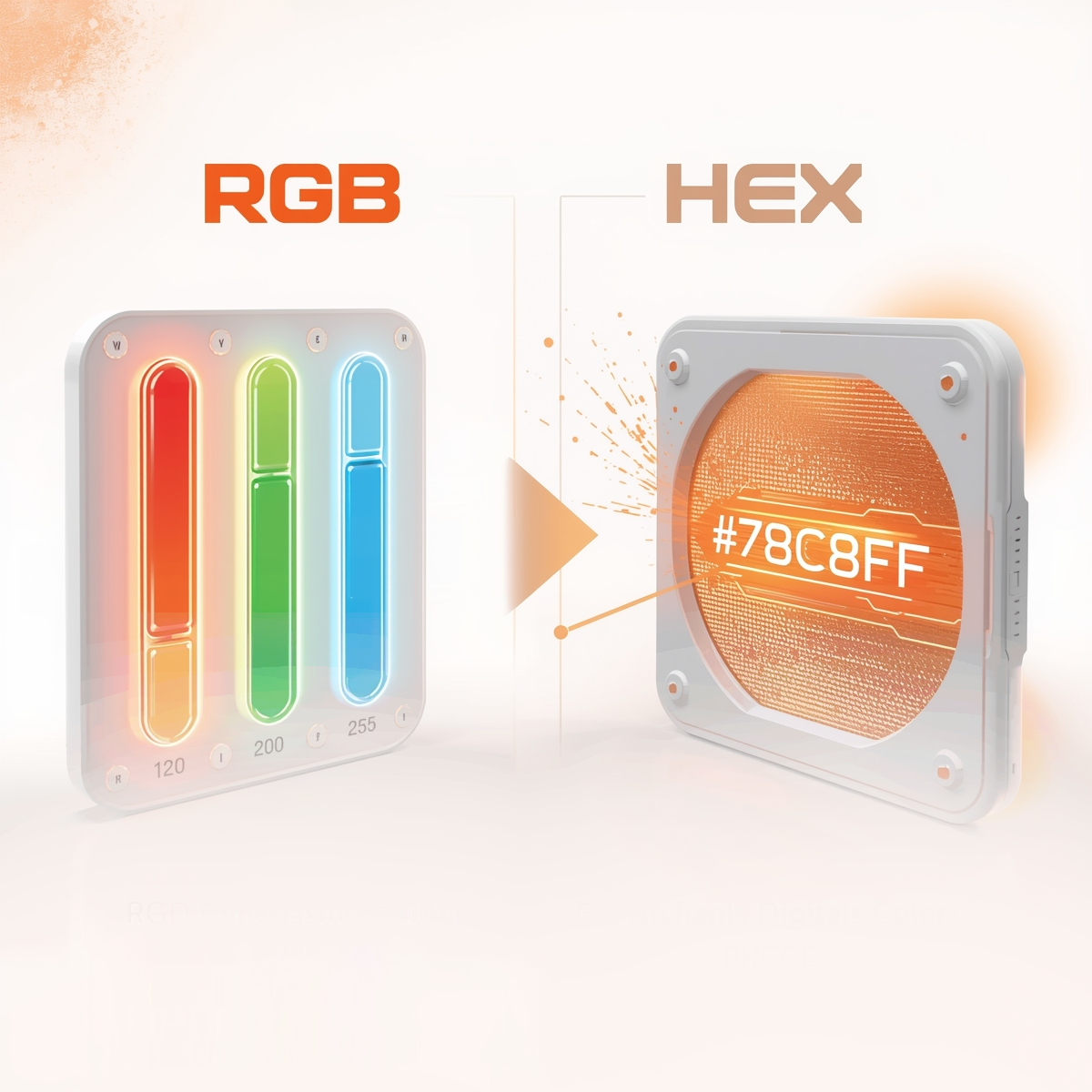
Why Convert RGB to HEX?
You might ask why there’s a need to convert RGB to hexadecimal color at all. The answer is simple most web platforms, such as CSS in HTML, accept HEX color codes. If you’re designing a website and have a color in RGB format, you’ll need to change RGB to HEX to implement it.
In the professional design and development workflow, accurate color translation is key. That’s why designers often use tools like a RGB to HEX calculator or an online RGB to HEX code converter to save time and ensure precision.
How to Convert RGB to HEX Manually
Converting RGB into HEX is not as complicated as it sounds. You just need to convert each of the RGB values (Red, Green, and Blue) into their two-digit hexadecimal equivalents.
Example:
RGB(255, 165, 0)
- Red: 255 → FF
- Green: 165 → A5
- Blue: 0 → 00
So, the HEX code becomes #FFA500.
This method is helpful if you’re learning how rgb color to hex works. But in real-world applications, most people prefer using a rgb to hex converter for speed and accuracy.
Online Tools for RGB to HEX Conversion
If manual conversion isn’t your thing, don’t worry. Numerous online tools can convert RGB to HEX instantly. These tools are often labeled as:
- RGB to HEX code converter
- Color convert RGB to HEX
- RGB to HEX calculator
Just input your RGB values, and the HEX value appears instantly. Some converters even offer a preview of the color, making it easy to ensure you’re using the right shade.
Common Conversion Searches
Many users type variations of the same phrase into search engines like:
- RGB to HEX
- RBG to HEX (common typo)
- RGB as HEX
- RGB in HEX
- Red green blue to HEX
- RGB to HEX color code
This shows the wide need and application for understanding and using both formats. Whether you’re a designer, front-end developer, or just working on a passion project, knowing how to convert from RGB to HEX is a must-have skill.
HEX to RGB: The Reverse Process
It’s worth mentioning that this process can also be reversed. You might have a HEX color and want to know its RGB equivalent. In that case, you’ll need a HEX to RGB converter. These tools work in the opposite direction but follow a similar logic just break down the six-digit HEX code into its RGB components.
Final Thoughts
Understanding color formats like RGB and HEX is essential in digital design. The ability to convert RGB to HEX gives you the flexibility to move between design tools, development platforms, and digital color applications. Whether you prefer manual calculation or an online
What is the easiest way to convert hex to rgba?
The easiest way is to use a free online hex to rgba converter. Just paste the hex code and pick your desired alpha level.
Can all hex colors be converted to rgba?
Yes, any 6-digit hexadecimal color can be converted to rgba, since both use RGB values.
How can I convert HEX to RGB?
To convert HEX to RGB, break the HEX code into its red, green, and blue components, then convert each from hexadecimal to decimal values. For a quick and accurate calculation, you can also use our HEX to RGB Converter.
How do I convert rgba to hex color?
You’ll need to drop the alpha value (or include it in 8-digit hex using hex to argb style). Some rgba converter tools offer this function.
Does rgba work on all browsers?
RGBA is widely supported in modern browsers, but for very old versions, you might need fallbacks using hex.
What’s the difference between RGBA and ARGB?
RGBA starts with red, green, blue, then alpha. ARGB starts with the alpha value first. The format used depends on the platform or programming language.