

Checker Tools
Text Tools
- Text separator
- Email extractor
- URL extractor
- Text size calculator
- Duplicate lines remover
- Text to speech
- IDN Punnycode converter
- Case converter
- Character counter
- List randomizer
- Reverse words
- Reverse letters
- Emojis remover
- Reverse list
- List alphabetizer
- Upside down text generator
- Old English text generator
- Cursive text generator
Developer Tools
Generator Tools
Image manipulation tools
- BMP to ICO
- ICO to JPG
- ICO to GIF
- ICO to PNG
- ICO to WEBP
- ICO to BMP
- GIF to JPG
- GIF to ICO
- GIF to PNG
- GIF to WEBP
- GIF to BMP
- HEIC to PNG
- HEIC to GIF
- HEIC to JPG
HEX to HSV | Simple Color Conversion Guide
Understanding Color Conversion: From HEX to HSV and Beyond
Digital design, development and user interfaces are centerpieces of color. As a designer producing a logo, front-end developer refining CSS or a hobbyist messing about with a hsv color picker every one of us needs to know colour codes. The most popular color formats are RGB, HEX and HSV among countless others used online. This guide will run down all you need to know about hex to hsv, rgb hsv conversion and even using tools such as rgb to hsv converter.
What is HEX and Why Convert It?
HEX which is short as hexadecimal is a six-digit code that is applied in HTML, CSS, and designing tools to identify colors. As an illustration, pure red would be in written form as #FF0000. Yet, HEX is not the easiest one to change the hues or saturation at, and this is where HSV appears.
You may want to convert hex color to RGB and convert it further to HSV, in order to work in design software or to figure out how the colors will look under the conditions of various lighting or saturation options.
From HEX to HSV: Why It Matters
The HSV color model stands for Hue, Saturation, and Value. It’s especially useful in color selection tools and user interfaces where you can visually adjust the hue angle on a color wheel hsv, modify how vibrant the color is, and control its brightness.
To convert hex code to hsv, you must first convert HEX to RGB, and then RGB to HSV. Fortunately, many tools offer direct hex to hsv conversions, eliminating the manual calculation steps.
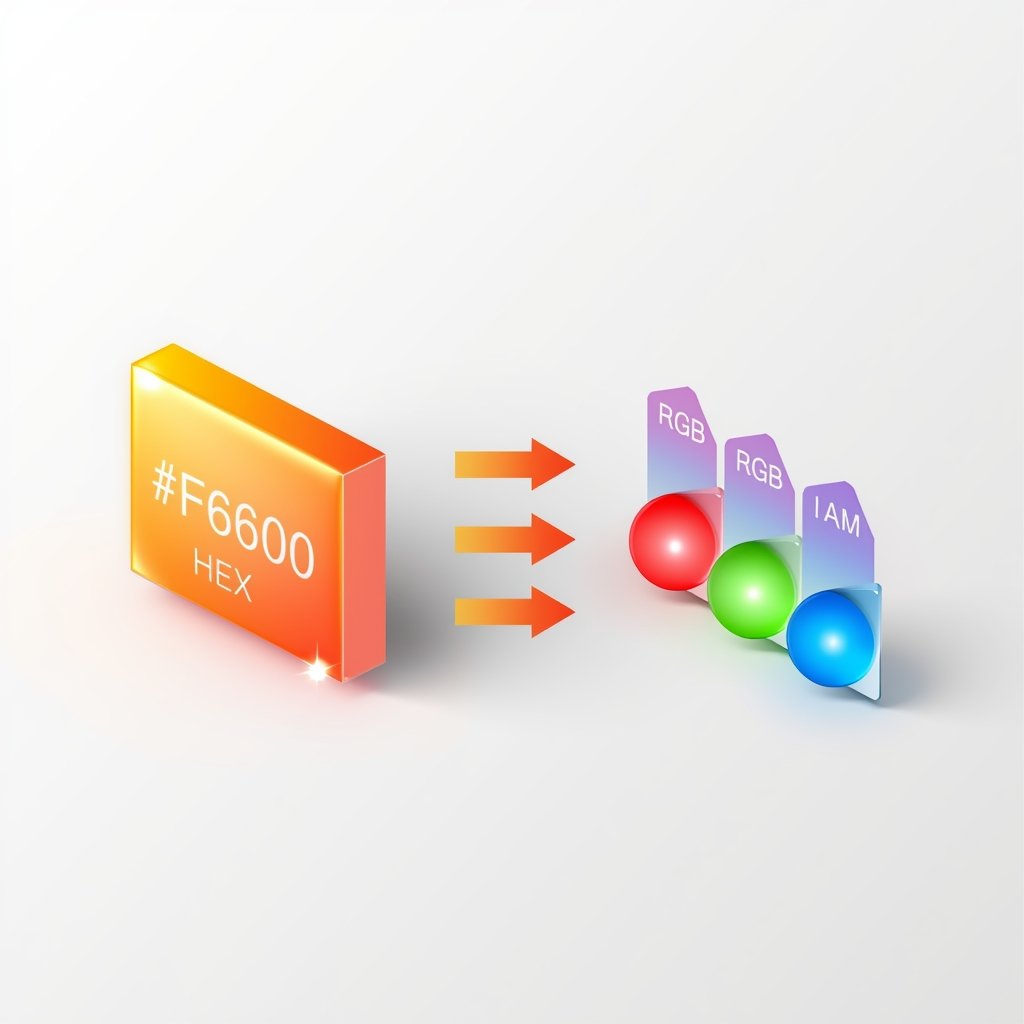
Step-by-Step Conversion: Converting Hex Color to RGB
Before converting HEX to HSV, you need to convert it to RGB:
- Split the HEX value into red, green, and blue components.
- Convert each component from hexadecimal to decimal.
Example:
#00FF00
- Red: 00 → 0
- Green: FF → 255
- Blue: 00 → 0
This gives you RGB(0, 255, 0).
You can also use a hexadecimal to rgb color code converter or simply search for convertir hexadecimal a rgb if you prefer tools in Spanish.
Using the RGB to HSV Formula
Once you have RGB values, apply the rgb to hsv formula:
- Normalize RGB values (divide each by 255).
- Calculate max and min values.
- Find delta (difference between max and min).
- Compute Hue, Saturation, and Value accordingly.
Alternatively, save time using an online rgb to hsv converter or programming functions like rgbtohsv() in Python or JavaScript.
What Are HSV Color Values?
HSV values typically look like this:
- Hue: 0–360 degrees (angle on the color wheel)
- Saturation: 0% to 100%
- Value (Brightness): 0% to 100%
For instance, pure red in HSV would be:
- H: 0°
- S: 100%
- V: 100%
Designers often prefer HSV because it’s more aligned with how humans perceive colors. That’s why hsv colour picker tools are standard in Photoshop, Figma, and browser dev tools.
Reversing It: Convert HSV to RGB
Need to go the other way? The convert hsv to rgb process lets you go from user-friendly HSV to precise RGB for code implementation. This is often used in hsv color codes workflows where you fine-tune color through a visual interface and then need the RGB output.
Use an rgb hsv or rgb hsv conversion tool to avoid manual calculation.
Choosing the Right Tools
Here are some tools and resources to help you work with colors:
- HSV color picker: Drag and drop interface for easy color selection.
- RGB to HSV and HSV to RGB converters: Convert between formats quickly.
- Converter color hex to rgb: Turn HEX codes into RGB or HSV.
- Color wheel HSV tools: Visualize hues in a circular format for better selection.
Hexadecimal to RGB color code converter: Essential for HEX-to-RGB conversion.
Common Use Cases
- Web Design: Developers often use hex code to hsv when working with CSS filters or transitions.
- Graphic Design: Designers prefer hsv colour codes for precise color grading.
- Data Visualization: Charts and heatmaps benefit from rgb hsv flexibility.
Game Development: Games rely on hsv color values to create dynamic lighting and themes.
Final Thoughts
Each of the color formats such as HEX, RGB, and HSV has its own application. Dealing with hexc-to-rgb, rgb-to-hsv, or just playing with a hsv color picker, knowledge of how the different formats can interact will enable your design/development work to be more accurate as well as efficient. What could be better than color converters and visual pickers that make it easier than ever before to manage and manipulate colors with so many online tools available.
What is HSV in color?
HSV stands for Hue, Saturation, and Value. It describes colors in a way that’s closer to human perception than RGB or HEX.
How do I convert HEX to HSV?
First, convert HEX to RGB, then apply the rgb to hsv formula, or use an online hex to hsv converter for quick results.
How can I convert HEX to HSL?
To convert HEX to HSL, you need to change the HEX color code into RGB first and then use the HSL formula to get hue, saturation, and lightness values. For a fast and accurate conversion, you can also try our HEX to HSL Converter.
Can I use HSV in CSS?
Most modern browsers support CSS filters or JavaScript libraries that work with hsv color values, but CSS itself uses HEX, RGB, or HSL natively.
What’s the best tool for hex to hsv conversion?
There are several online tools and apps that offer rgb to hsv converter, hex to hsv, and hsv color picker functionality. Adobe and Google tools are highly reliable.
Why convert RGB to HSV?
HSV gives a more intuitive understanding of color by separating tone (Hue), intensity (Saturation), and brightness (Value), making it ideal for adjustments.
Is RGB or HSV better for animations?
HSV often works better for color transitions and animations because it allows smoother hue changes, especially when using a color wheel hsv interface.