

Checker Tools
Text Tools
- Text separator
- Email extractor
- URL extractor
- Text size calculator
- Duplicate lines remover
- Text to speech
- IDN Punnycode converter
- Case converter
- Character counter
- List randomizer
- Reverse words
- Reverse letters
- Emojis remover
- Reverse list
- List alphabetizer
- Upside down text generator
- Old English text generator
- Cursive text generator
Developer Tools
Generator Tools
Image manipulation tools
- BMP to ICO
- ICO to JPG
- ICO to GIF
- ICO to PNG
- ICO to WEBP
- ICO to BMP
- GIF to JPG
- GIF to ICO
- GIF to PNG
- GIF to WEBP
- GIF to BMP
- HEIC to PNG
- HEIC to GIF
- HEIC to JPG
Quick HEX to RGB Color Converter Tool
Understanding HEX to RGB Color Conversion
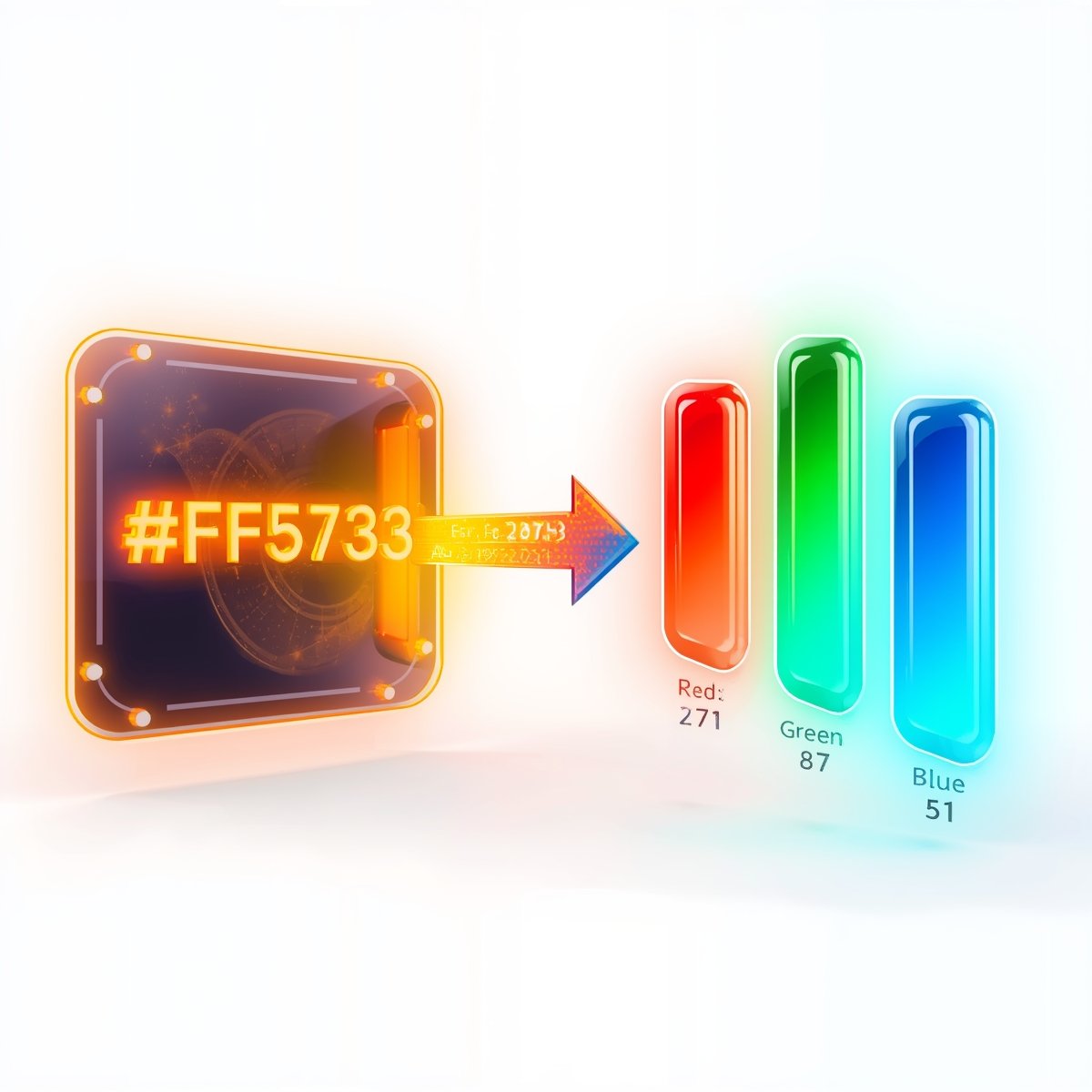
As a web designer, graphical designer, and in any other digital media, it is significant to know about the various color formats. Converting Hex to RGB in order to ensure compatibility with a variety of software and devices is one of the most frequent tasks of both designers and developers. Both color formats denote a common thing namely color but they attach different models to it. Whether you are working with customization of colors in CSS, design software or any digital image, it is more than likely you have come across both the hex code and RGB, and vice versa.
What Is HEX and RGB?
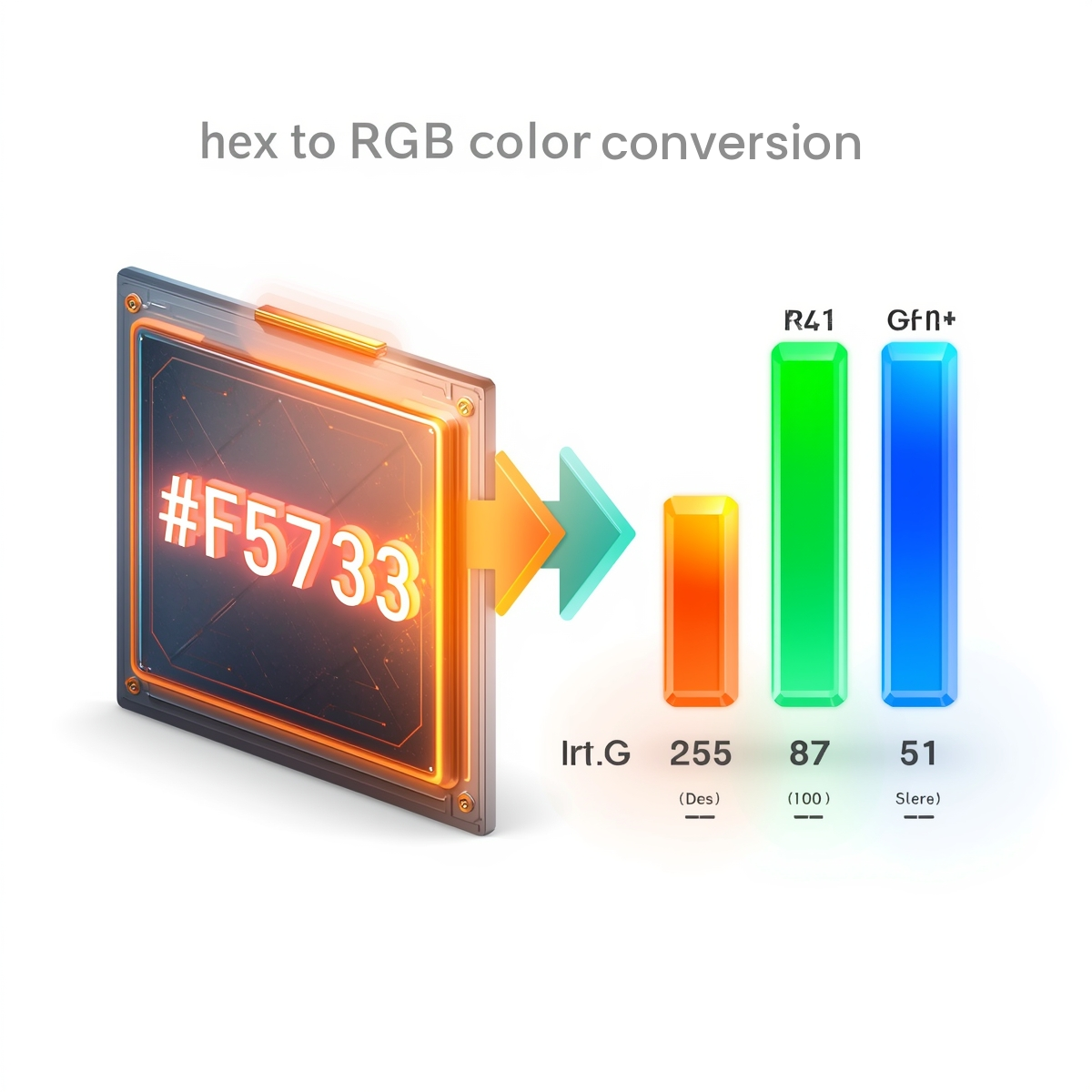
HEX (short for hexadecimal) is a 6-digit alphanumeric code that begins with a # sign. It’s used in HTML, CSS, and design software to specify colors. For example, #FF5733 is a hex color code. This code combines values for red, green, and blue (RGB) using base-16 numbers (0-9 and A-F).
On the other hand, RGB color stands for Red, Green, and Blue. It defines a color based on the intensity of these three primary colors. An RGB value like rgb(255, 87, 51) is essentially the same color as the above HEX code #FF5733.
Why Convert HEX to RGB?
While HEX codes are ideal for HTML/CSS usage, many platforms and applications require RGB color to hex or vice versa. Some image editors prefer RGB from hex values, while others display hexadecimal to RGB color conversions natively. This is why knowing how to convert hex to RGB is crucial. Whether you’re styling a website or developing a mobile app, you’ll find situations where hex to RGB color conversion is needed.
How HEX to RGB Conversion Works
To convert hex to RGB, you break the HEX code into three pairs:
- The first two characters represent the Red value.
- The next two represent Green.
- The last two represent Blue.
Take the HEX code #4CAF50:
- Red = 4C → 76 in decimal
- Green = AF → 175 in decimal
- Blue = 50 → 80 in decimal
So the RGB equivalent is rgb(76, 175, 80).
Many designers use online hex to RGB converters or a hex RGB calculator to save time. Tools like a hex to RGB calculator automate this math and help avoid errors.
Online Tools for HEX to RGB Conversion
There are numerous online tools and apps that serve as hexadecimal to RGB color converter or even hex RGB calculators. They allow users to paste a HEX code and instantly see the RGB color hexadecimal output. Popular tools include:
- Hex to RGB converter by RapidTables
- HEX RGB Calculator by W3Schools
- Integrated color pickers in apps like Adobe Photoshop and Figma
Some tools also support hex to RRGGBB format if you’re dealing with shorthand HEX values like #FFF, expanding them to #FFFFFF before conversion.
Benefits of Understanding HEX to RGB Color Conversion
- Precision: RGB values give more specific intensity levels for each color.
- Compatibility: Many game engines, design tools, and coding platforms prefer RGB format.
- Flexibility: Once converted, it’s easier to adjust individual color channels.
Being fluent in hex to RGB color and RGB color to hex ensures better control over design elements and smoother development processes.
Final Thoughts
The digital era has made identifying color no longer to be a problem. Using the right tool, namely, a hex color picker, image color picker, and online color picker, you can be sure to find the best shade among the greatest number of colors. Regardless of whether your current work in progress is still a branding project, web interface or digital artwork of a piece, a trusty color finder will become the stalwart in your arsenal of creative problem solving.
Learn different features of tools, such as color dropper, color identifier, and hex color picker, to make your work additional simple. With the rising opportunities of color accuracy in the digital media, availing a decent colorpicker tool tool can be the difference.
What is the difference between HEX and RGB colors?
HEX is a base-16 representation using six characters, while RGB uses three decimal values. Both define the same color.
Can I convert shorthand HEX like #FFF to RGB?
Yes, expand it to full HEX (#FFFFFF) first, then convert. This is also known as hex to RRGGBB format.
How can I convert RGB to HEX?
To convert RGB to HEX, take the red, green, and blue values, then convert each from decimal to hexadecimal and combine them into a HEX code. For a quick and accurate calculation, you can also use our RGB to HEX Converter.
What tools can I use for hex to RGB conversion?
You can use a hex to RGB converter, hexadecimal to RGB color converter, or RGB color hexadecimal tools available online.
Why do designers prefer RGB sometimes over HEX?
RGB allows easier manipulation of color intensities and is widely used in digital imaging and video editing tools.
Is there a difference between 'hex to rbg' and 'hex to RGB'?
‘RBG’ is a common typo; the correct format is ‘RGB’ for Red, Green, Blue.