

Checker Tools
Text Tools
- Text separator
- Email extractor
- URL extractor
- Text size calculator
- Duplicate lines remover
- Text to speech
- IDN Punnycode converter
- Case converter
- Character counter
- List randomizer
- Reverse words
- Reverse letters
- Emojis remover
- Reverse list
- List alphabetizer
- Upside down text generator
- Old English text generator
- Cursive text generator
Developer Tools
Generator Tools
Image manipulation tools
- BMP to ICO
- ICO to JPG
- ICO to GIF
- ICO to PNG
- ICO to WEBP
- ICO to BMP
- GIF to JPG
- GIF to ICO
- GIF to PNG
- GIF to WEBP
- GIF to BMP
- HEIC to PNG
- HEIC to GIF
- HEIC to JPG
Turn GIF into ICO Online in Seconds
How to Convert GIF to ICO
In case of web development and UI designing or customizing your own desktop and software icons, the image format is of necessity. GIF to ICO (icon) conversion is one of the tasks that most developers and designers face. The GIF file format has many applications in animations and in representation of simple graphics but the ICO file is commonly used in Windows to represent icons in many applications and websites.
In this article we shall learn how to convert a GIF to icon; the reasons we would need such and the best methods and tools to use in order to obtain high quality ICO output. This guide will explain how to create a favicon on webpage or customize desktop icons.
Why Convert GIF to ICO?
ICO format plays a key role in displaying icons used in different operating systems or rather Windows operating system. In designing an application or a site, the programmer might be required to come up with a favicon.ico the tiny image in the web browser window. The GIF files however support transparency and simple animations but they do not occur as icons with most systems or browsers.
That’s why converting GIF to icon file becomes essential. For example:
- GIF to ICO file conversion is often used to create favicons from GIF logos.
- Animated GIFs can be converted into a static ICO for interface use.
Developers may want to display brand logos, initially created as GIFs, as icons in their apps or browser tabs.
Understanding GIF and ICO Formats
Before diving into the conversion process, it helps to understand what these formats represent:
GIF (Graphics Interchange Format)
- Supports animations and transparency.
- Limited to 256 colors.
- Popular for simple online graphics and memes.
ICO (Icon File)
- Contains one or more small images in different sizes and color depths.
- Commonly used for application icons and favicons.
- Compatible with Windows UI requirements.
Because of these differences, converting GIF to ICO involves adjusting resolution, removing animation (since ICO does not support it), and optimizing the output for clarity at small sizes (like 16×16 or 32×32 pixels).
Methods to Convert GIF to ICO
1. Online Tools
There are several free online converters that allow you to upload your GIF and receive an ICO file as output. Some popular tools include:
- Tool Checking
- CloudConvert
These tools generally allow:
- Uploading a GIF file to ICO
- Choosing the desired icon size (16×16, 32×32, 48×48, etc.)
- Cropping or adjusting the image before export
Simply upload your GIF to image converter, set the parameters, and download your ICO file.
2. Desktop Software
For higher control over output quality and batch conversions, desktop software might be more effective. Tools like:
- GIMP (with ICO export plugin)
- IrfanView
- Adobe Photoshop (with plugins or manual steps)
These programs allow you to import the GIF in ICO compatible format and export it as an icon file. They often offer better control over transparency, pixel optimization, and layering.
3. Convert via Code
If you’re a developer and want to automate the process, you can use libraries or scripts in Python using PIL (Pillow) or image processing APIs. Here’s a quick example:
from PIL import Image
# Load GIF file
img = Image.open(“logo.gif”)
# Convert to ICO and save
img.save(“favicon.ico”, format=’ICO’, sizes=[(32,32)])
This script turns a GIF to icon file with just a few lines of code.
Tips for Best Results
- Use Static GIFs: Since ICO doesn’t support animation, ensure your GIF is not animated or use only the first frame
. - Resize Smartly: Icons look best at 16×16, 32×32, or 48×48 pixels. Make sure your source image scales well.
- Keep it Simple: Avoid detailed or complex GIFs. Icons should be recognizable even at a small size.
- Transparency Handling: Ensure your GIF has a transparent background for cleaner ICO output.
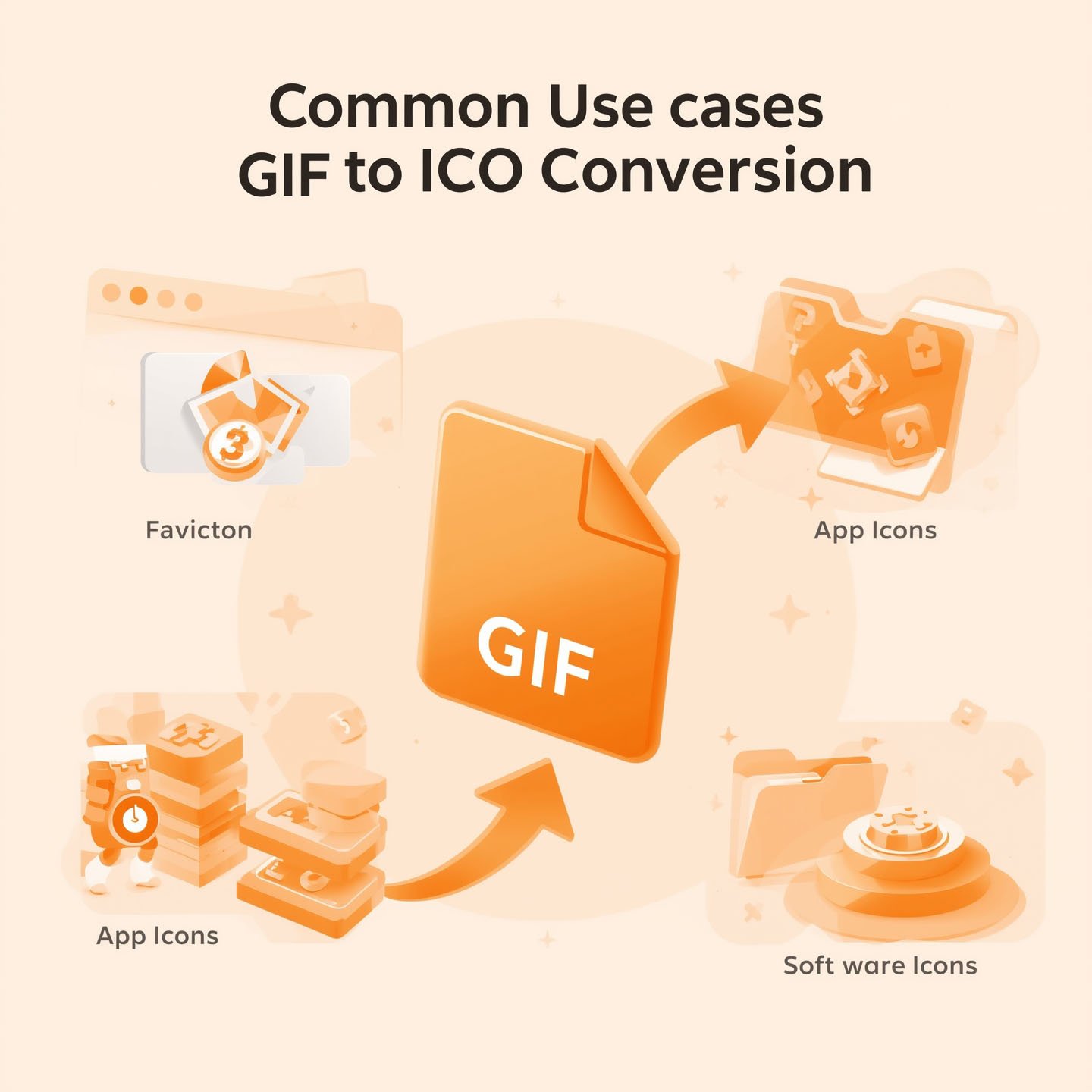
Common Use Cases for GIF to ICO Conversion
- Website Favicons: Upload a logo in GIF and convert it into a favicon.
- Desktop Apps: Create custom icons from brand images.
- UI Design: Convert flat GIF assets into ICO for button or toolbar use.
Whether you’re building an app, customizing your OS, or branding a website, turning a GIF into an ICO is a small step with a big impact on user experience.
Final Thoughts
It might sound like a small task to convert a GIF to ICO file, but, in general, it is an important step in terms of the overall design and branding of digital applications. GIF to icon constitutes an advancement in creative media and practical design, since such visuals have helped in improving the identity of the websites as well as customizing desktop interfaces. It has been rapidly done possible to carry out this conversion and do it with quality and thanks to the modern tools; be it online or offline. All you need to do to get the most out of it is to optimize your original GIF first prior to converting it to an icon.
Q: Can I convert animated GIFs to ICO?
No, ICO does not support animation. If you upload an animated GIF, only the first frame will be used.
Q: What sizes should I use for my ICO file?
Common sizes include 16×16, 32×32, 48×48, and 64×64. Favicons typically use 16×16 or 32×32.
Q: Are online converters safe to use?
Most popular online converters are safe, but avoid uploading sensitive or copyrighted materials. Use reputable platforms.
Q: Can I convert GIFs to icons on Mac or Linux?
Yes, tools like GIMP or terminal-based converters can help. GIMP works across platforms and supports ICO export.
Q: Is there any loss in quality during conversion?
Yes, especially if the GIF is large or complex. Keep icons simple and high-contrast for the best results.