

Checker Tools
Text Tools
- Text separator
- Email extractor
- URL extractor
- Text size calculator
- Duplicate lines remover
- Text to speech
- IDN Punnycode converter
- Case converter
- Character counter
- List randomizer
- Reverse words
- Reverse letters
- Emojis remover
- Reverse list
- List alphabetizer
- Upside down text generator
- Old English text generator
- Cursive text generator
Developer Tools
Generator Tools
Image manipulation tools
- BMP to ICO
- ICO to JPG
- ICO to GIF
- ICO to PNG
- ICO to WEBP
- ICO to BMP
- GIF to JPG
- GIF to ICO
- GIF to PNG
- GIF to WEBP
- GIF to BMP
- HEIC to PNG
- HEIC to GIF
- HEIC to JPG
Test Area
Results
Samples
Avg (ms)
Median
Min
Max
Jitter (σ)
| # | Latency (ms) | Frame # |
|---|
Understanding Monitor Test Screens and Latency Testing
Whether you’re a professional gamer, a graphic designer, or just someone who cares about the responsiveness of your display, understanding monitor test screen tools and how to perform a screen latency test is essential. In an age where speed and precision matter more than ever, even minor display lags can impact productivity or performance. This article explores the core concepts behind screen testing, why monitor latency tests matter, and how to use latency testers to check your display accuracy in real-time.
Screen Latency Test: What to Look For
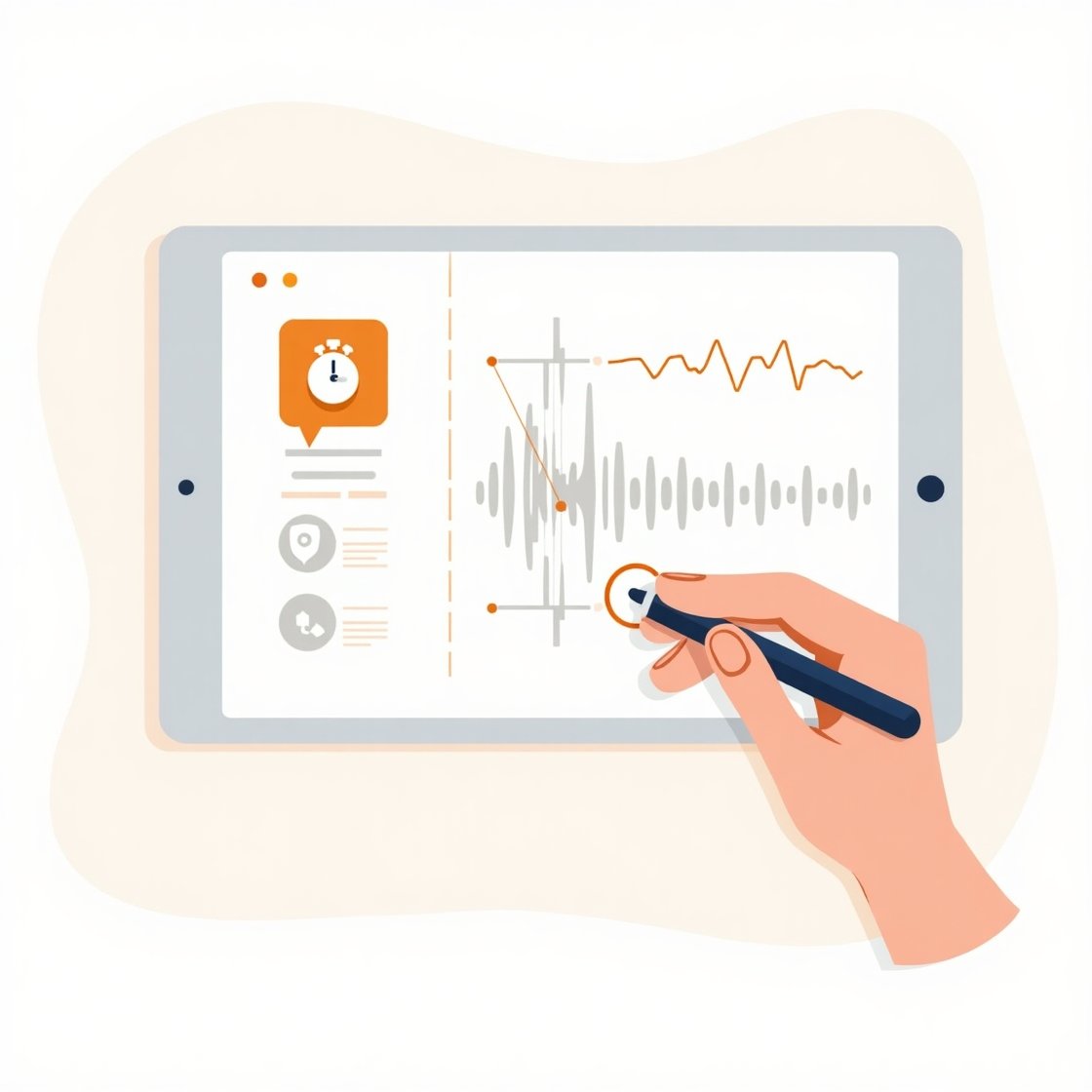
A screen latency test primarily measures input lag, which is the delay between your action and the screen’s response. For example, pressing a key or moving a mouse should be nearly instantaneous on a good monitor.
When performing the test, observe:
- Input response time (below 16ms is ideal for 60Hz displays)
- Jitter or inconsistency in timing
- Frame skipping
- Signal delay between source and display
Even if your monitor boasts a high refresh rate, it might still suffer from input lag if not properly tested and calibrated.
Benefits of Running Regular Monitor and Latency Tests

Running regular screen latency tests and visual screentests offers numerous benefits:
- Increased productivity: Especially for design and video editing professionals who rely on precision.
- Better gaming performance: Competitive gamers need low-lag displays for peak reaction times.
- Improved hardware selection: You can detect if it’s time to upgrade your monitor.
Reduced eye strain: Flickering or response lag can cause fatigue over long periods.
what Is a Monitor Test Screen?

A monitor test screen is a diagnostic tool designed to evaluate a screen’s quality and performance. It typically displays various patterns, colors, and gradients to help you assess:
- Dead pixels
- Color accuracy
- Contrast levels
- Screen uniformity
- Motion blur
These tests are widely used by professionals to calibrate monitors, identify flaws, or ensure top-tier image quality. When used in conjunction with latency testers, a test screen can offer a more in-depth analysis of your monitor’s responsiveness.
What Is a Screentest in Display Technology?
In the realm of display diagnostics, a screentest refers to any visual performance check performed on a monitor or screen. This can include color rendering checks, pixel response analysis, or refresh rate evaluations. Though the term is often associated with the entertainment industry, in tech, a screentest is synonymous with screen calibration or verification.
Why You Should Test Monitor Latency

Latency is the delay between a user input and the visual reaction on screen. A high latency can result in sluggish visuals and a disjointed experience, especially in gaming, video editing, or digital drawing. A test monitor latency procedure ensures:
- Smoother gameplay
- Better reaction times
- Improved user input synchronization
- Accurate motion response for professionals
By running a monitor latency test, you can identify if the delay comes from the monitor itself or another component like the GPU or input device.
How to Run a Monitor Latency Test

There are several ways to carry out a monitor latency test. Here are the most common:
1. Online Latency Tester Tools
Web-based tools provide instant access to run latency tester checks. These include reaction-based tests where you click or press keys in sync with on-screen visuals. These tools are useful but may not be perfectly accurate due to browser and hardware limitations.
2. Software Solutions
3. Hardware-Based Latency Tester
For the most accurate results, professional hardware testers such as the Leo Bodnar latency tester plug into HDMI ports and use sensors to measure input lag precisely. While costly, they are ideal for performance-critical environments.
What is the ideal latency for a gaming monitor?
For competitive gaming, an input latency under 5ms is considered ideal, while anything below 16ms is acceptable for casual play.
Can screen latency be fixed?
Yes. Updating drivers, reducing refresh rate mismatches, disabling V-Sync, or changing ports (e.g., HDMI vs DisplayPort) can improve latency.
Are online monitor test screen tools reliable?
They are generally reliable for casual users but may not offer pinpoint accuracy due to browser or OS limitations.
Do latency testers work with all monitor types?
Hardware latency testers typically work with HDMI-compatible displays. Some advanced models support DisplayPort or USB-C.
How often should I run a monitor latency test?
Run it every few months or after hardware/software upgrades to ensure consistent performance.
Conclusion
Learning how to carry out monitor test screen assessments and screen latency assessments frequently can greatly improve your general online experience. Monitor latency tester or monitor latency testing can be done by both casual and those who use a computer as a professional task. The lag that is even several milliseconds makes a world of difference in the contemporary fast-paced world.