

Checker Tools
Text Tools
- Text separator
- Email extractor
- URL extractor
- Text size calculator
- Duplicate lines remover
- Text to speech
- IDN Punnycode converter
- Case converter
- Character counter
- List randomizer
- Reverse words
- Reverse letters
- Emojis remover
- Reverse list
- List alphabetizer
- Upside down text generator
- Old English text generator
- Cursive text generator
Developer Tools
Generator Tools
Image manipulation tools
- BMP to ICO
- ICO to JPG
- ICO to GIF
- ICO to PNG
- ICO to WEBP
- ICO to BMP
- GIF to JPG
- GIF to ICO
- GIF to PNG
- GIF to WEBP
- GIF to BMP
- HEIC to PNG
- HEIC to GIF
- HEIC to JPG
Instantly switch shades, simplify your design.
Color Converter
The Color Converter serves as a utility which enables users to transform colors between RGB, HEX, HSL and CMYK coding formats. Designers together with developers who operate on various platforms especially benefit from using these tools to achieve correct color matching. Color converters enable users to convert different formats in an automated way while maintaining digital project consistency. Everyone who has wondered about particular color shades can obtain exact colors in different formats through online color converters.
How to Use a Color Converter?
Insert your chosen color code through the chosen format.
The conversion tool allows users to receive exact colors in their specified format by clicking the convert button.
Color Inverter
The color inverter functions as a digital tool which makes image and color codes appear opposite to their original state. The tool works well to enhance image accessibility since it helps retain contrast for viewers who have color blindness or to achieve design objectives. The color inversion function transforms light tones into dark shades while turning dark tones into light ones to produce drastic visual effects. The functionality of many color changer tools includes multiple options to invert colors for design purposes.
Benefits of a Color Inverter:
Helps in creating high-contrast visuals.
Useful for accessibility improvements.
A color inverter provides better artistic options for creative designers.
Color Identifier
A color identifier solution enables users to find the exact color code of objects as well as images or designs. Designers along with artists and developers can use this tool to match exact colors during their work projects. The detection of color codes from selected areas by color identifiers allows users to receive information in RGB, HEX and HSL formats. A color identifier system quickly identifies any enigmas surrounding color by providing immediate answers to users.
Applications of a Color Identifier:
Matching brand colors accurately.
Visual designers obtain colors from photographic material for their work.
Software programmers use this tool to determine colors that will be used in their web work.
RGB to HEX
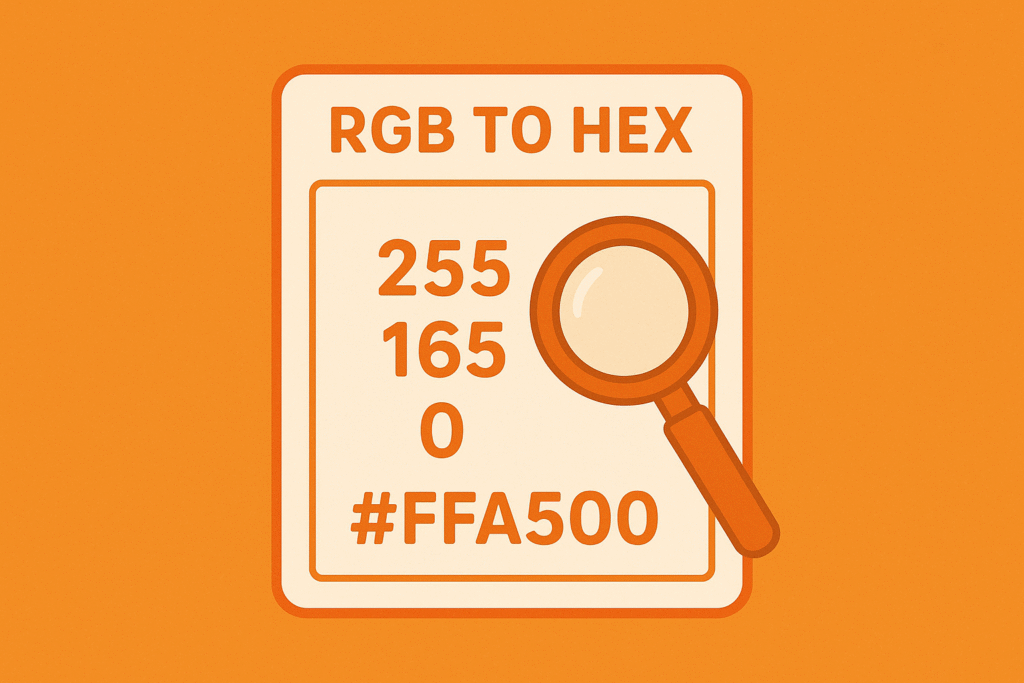
Digital design together with web development commonly relies on RGB to HEX conversion for their operations. RGB as a color model powers screen displays but HEX functions as the web development standard which CSS depends on. The instant color value transformation from RGB to HEX system becomes possible through a hex converter tool.
How to Convert RGB to HEX?
Obtain the RGB values (e.g., R:255, G:255, B:255).
Each value needs conversion to hexadecimal.
Contribute the separated hexadecimal components to generate a HEX value that corresponds to white (e.g. #FFFFFF).
How to Convert HEX to RGB?
The transformation of HEX color to RGB follows a clear path which designers commonly perform during web development and graphic design work.
Steps to Convert HEX to RGB:
Take the HEX code (e.g., #FF5733).
The code contains three values which should be (FF, 57, 33).
The pairs should be transformed into decimal values with R equal to 255 and G at 87 while B stands at 51.
Image to HEX Code Converter
An image to HEX code converter serves as an application which takes colors from images to generate corresponding HEX codes. COLOR CONCERNING IN DESIGN Hex converters operate as an additional feature which simplifies the management between different format versions.
How It Works:
Users can insert a photo into the converter application.
Use the image interface by selecting a desired point to obtain color data.
After selecting a color on the tool the system displays its corresponding HEX code.
Final Thoughts
Digital professionals strongly need color conversion and identification alongside extraction tools as essential tools for their work. Accurate and efficient color transformation happens when you utilize appropriate tools for RGB to HEX conversions along with color inversion and image color extraction tasks. Hex converters along with color changers and the ability to convert HEX color to RGB require increased usage which these tools help streamline this process. The explanation of these techniques enables the consistent retention of color across multiple digital interfaces while improving design accuracy.
What is the difference between RGB and HEX?
RGB is an additive color model using Red, Green, and Blue light, while HEX is a hexadecimal representation of RGB values used in web design.
Why do designers use color inverters?
Designers use color inverters for high-contrast visuals, accessibility improvements, and creative design elements.
Can I extract colors from an image online?
Yes, an image to HEX code converter allows you to extract colors from any image and convert them into HEX format for use in design projects.
How accurate are online color converters?
Most online color converters provide accurate results, but slight variations may occur due to differences in color profiles and screen settings.